
Hello friends!
TIA Portal is the base software for all other software development: Programming, device configuration integration in the product range. Features TIA Portal allows software to share the same database, creating unity and integrity for the application system to manage and operate.
Tia Portal V17 is one of the most comprehensive and advanced automation software platforms currently available, developed by Siemens. It’s a core working environment that allows engineers to seamlessly integrate many essential tools into a single interface, from programming logic controllers (PLCs) and designing human-machine interfaces (HMI) to configuring drive systems and industrial communication networks. This version represents a significant leap forward in optimizing team performance and synchronous programming capabilities.
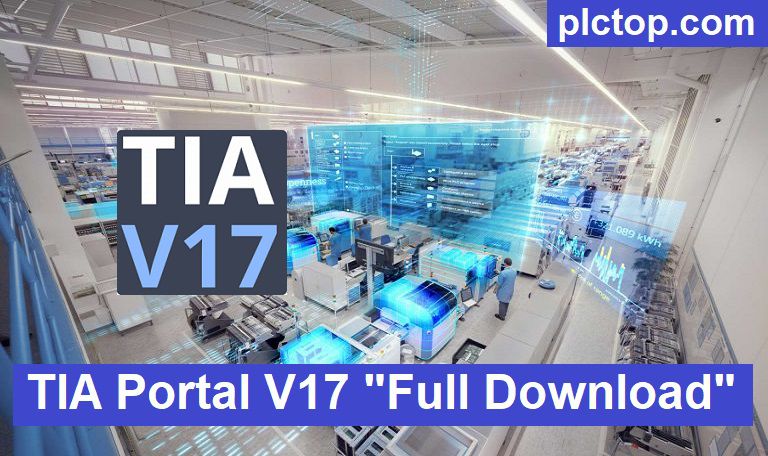
Features TIA-Portal V17
+ Use multi-user servers and project servers for efficient technical debugging and teamwork
+ Tackle multi-user projects and automate engineering tasks with the open TIA Portal
+ Integrated PLC programming, HMI-SCADA design, Inverter/Servo configuration with only 1 software
+ HMI Design: Creates operator interfaces, alarms, trends, and process visualization.
+ Hardware Configuration: Configures PLCs, I/O modules, and automation devices.
+ Industrial Networking: Supports PROFINET and PROFIBUS communication for compatible devices.
+ PLC Simulation: Tests control programs using compatible S7-PLCSIM software.
+ Drive Integration: Configures and commissions compatible Siemens drives.
+ Diagnostics and Troubleshooting: Monitors PLC status and identifies hardware or software errors.
+ Safety Engineering: Supports compatible fail-safe PLCs and safety applications.
+ Integrated Engineering: Combines PLC programming, HMI design, and hardware configuration in one software platform.
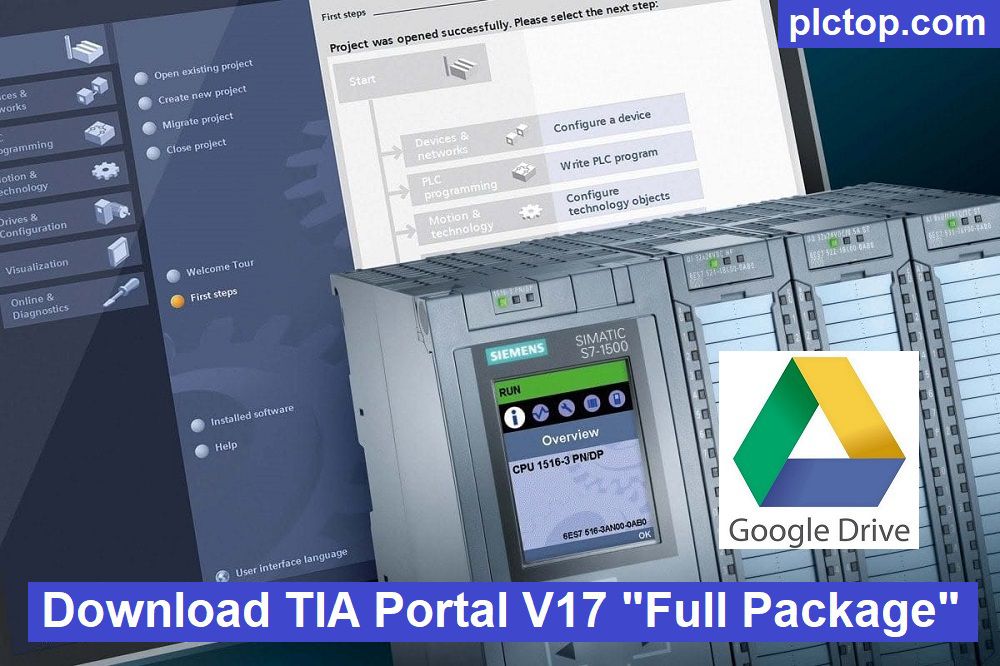
The operating system supports TIA PORTAL V16
+ Microsoft Windows 7
+ Microsoft Windows 8/8.1
+ Microsoft Windows 10
+ Microsoft Windows 11
+ Microsoft Windows Sever 2016/2019
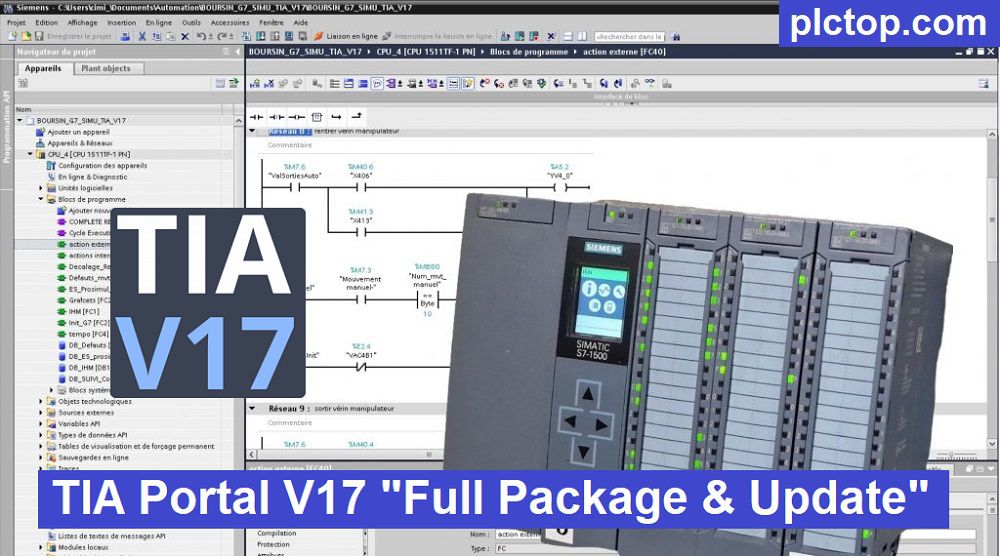
TIA-Portal V17 Software Full Download (Google Drive)
1. Download/Selection STEP7 & WinCC Version
Please download the official software from the Siemens website using the following link.
Create an account, and you can easily download
Direct download link via Google Drive
1. Combo STEP7 / Safety Pro + WinCC Professional V17 Download (Recommend)
>>> Download STEP7_Safety Pro & WinCC Professional V17 DVD1 (Software)
>>> Download STEP7_Safety Pro & WinCC V17 DVD2 (Hardware Support Packages, Open Source Software, Tools)
+ Download TIA Portal V17 Upd.9 (for STEP7 , Safety All Versions) (Latest Update)
>>> Download WinCC Runtime Professional V17
+ Download WinCC Runtime Professional V17 Upd.4
>>> Download SIMATIC PLCSIM V17 Upd.1
2. Combo STEP7 Pro + WinCC Advanced / Unified V17 Download
>>> Download STEP7_Safety Pro & WinCC Advanced / Unified V17 DVD1 (Software)
>>> Download STEP7_Safety Pro & WinCC V17 DVD2 (Hardware Support Packages, Open Source Software, Tools)
>>> Download WinCC Runtime Advanced V17
+ Download WinCC Runtime Advanced V17 Upd.6 (Latest Update)
>>> Download WinCC Unified PC V17 (Runtime Unified)
+ Download WinCC Unified PC V17 Upd.5 (Latest Update)
3. Other Software in Package
>>> Download SINAMICS Startdrive Advanced V17 SP2
>>> Download SIMATIC NET PC V17
>>> Download SiVArc V17
>>> Download Test Suite Advanced V17
>>> Download SIMATIC SCADA Export V17
======
>>> SIM EKB Install for TIA Portal V17
Note: Only if you are a student or have a learning need should use this software, for companies and professional engineers I recommend contacting Siemens to buy a license for the best support.
Password Extract: plctop.com (Using New Winrar Software for Extract)
If you encounter any problems during the download of TIA PORTAL V16 software or software installation, please comment below the article. Please like, and share if it helps
Thanks and best regards!