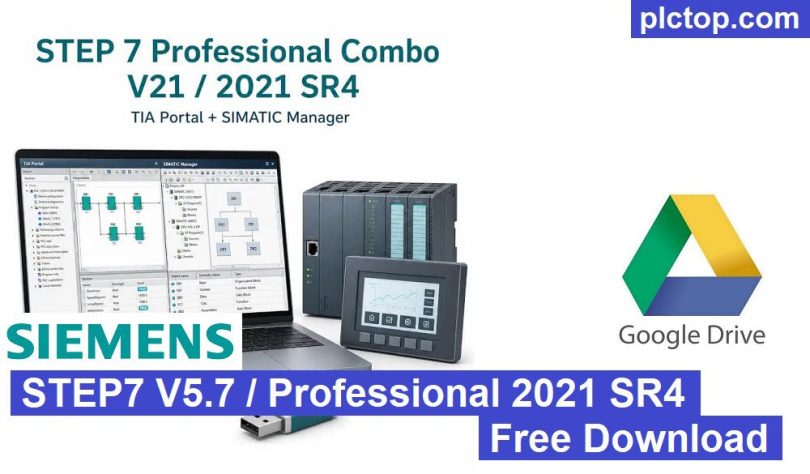

STEP 7 V5.7 / STEP 7 Professional 2021 is Siemens’ latest generation of the classic SIMATIC Manager engineering software for programming, configuring, commissioning, and maintaining SIMATIC S7-300, S7-400, C7, and WinAC controllers. Widely used in industrial automation, it provides a stable and proven engineering environment for both new installations and long-term maintenance of existing systems.
The Professional edition includes a comprehensive set of engineering tools such as SIMATIC Manager, Hardware Configuration (HW Config), NetPro, S7-PLCSIM, S7-SCL, and S7-GRAPH, enabling users to develop applications using Ladder Diagram (LAD), Function Block Diagram (FBD), Statement List (STL), Structured Control Language (SCL), and Sequential Function Chart (GRAPH). Advanced online diagnostics, monitoring, debugging, and hardware configuration tools help reduce commissioning time and simplify troubleshooting.
What is STEP 7 Professional 2021?
STEP 7 Professional 2021 is the complete engineering software package for Siemens SIMATIC Classic automation systems. It combines STEP 7 V5.7 with a comprehensive set of engineering tools for programming, configuring, simulating, commissioning, diagnosing, and maintaining industrial automation projects.
The package includes:
- STEP 7 V5.7
- SIMATIC Manager
- S7-SCL
- S7-GRAPH
- S7-PLCSIM
- Hardware Configuration (HW Config)
- NetPro Communication Configuration
- System Configuration Tools
- Integrated STEP 7 Professional License
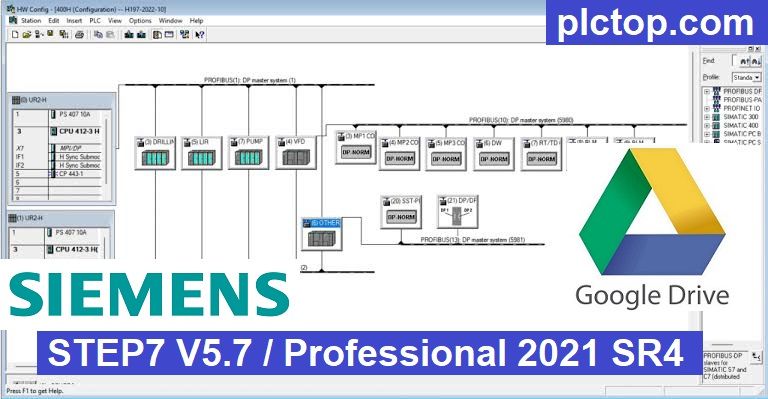
STEP 7 V5.7 supports a wide range of Siemens Classic PLCs, including:
- SIMATIC S7-300
- SIMATIC S7-400
- SIMATIC C7
- WinAC RTX
- WinAC Slot
- ET 200 CPU
- Technology CPUs
- Redundant (H-System) CPUs
- PCS 7 Controllers
Programming Languages
STEP 7 Professional supports several programming languages for different automation applications.
LAD (Ladder Diagram)
- Relay-based programming language
- Easy to learn and maintain
- Widely used in machine automation
FBD (Function Block Diagram)
- Graphical block-based programming
- Ideal for process control and analog applications
STL (Statement List)
- Low-level Siemens instruction language
- High execution efficiency
- Suitable for advanced logic and optimization
SCL (Structured Control Language)
- High-level Pascal-like programming language
- Excellent for algorithms, loops, arrays, strings, and data processing
GRAPH
- Sequential Function Chart (SFC) programming
- Ideal for machine sequences, production lines, and batch processes
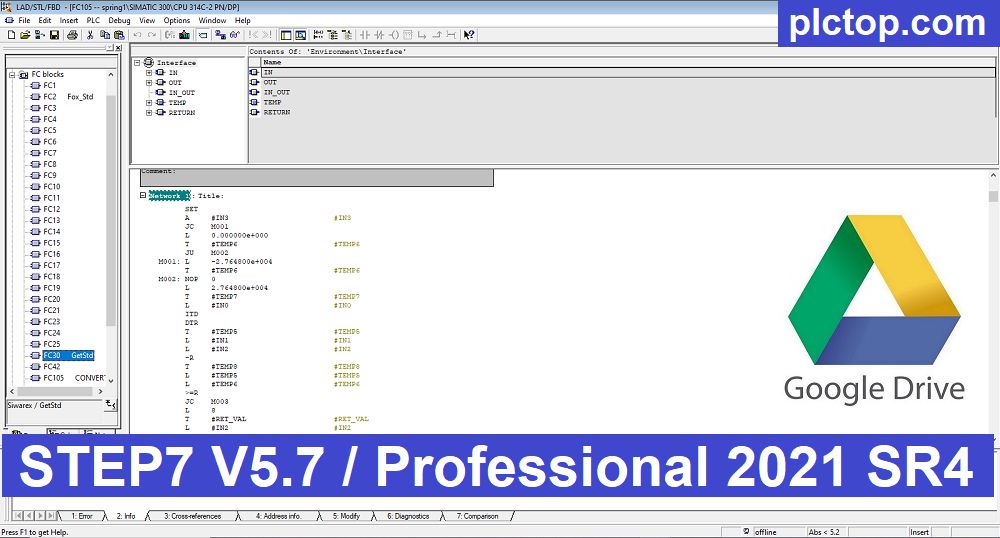
SIMATIC Manager
SIMATIC Manager serves as the central engineering environment for STEP 7.
It allows engineers to manage:
- Projects
- PLC stations
- Program blocks
- Hardware configuration
- Network configuration
- Symbol tables
- Source files
- Documentation
Communication Support
STEP 7 supports numerous industrial communication protocols:
- MPI
- PROFIBUS DP
- PROFIBUS PA
- PROFINET
- Industrial Ethernet
- TCP/IP
- UDP
- ISO on TCP
- Modbus (via libraries)
- USS
- Point-to-Point (PtP)
Expandability
STEP 7 Professional supports optional engineering packages, including:
- S7-SCL
- S7-GRAPH
- HiGraph
- PLCSIM
- Distributed I/O
- Safety Controllers
- Redundant Systems
Key Advantages
- Proven and highly stable engineering platform.
- Optimized for SIMATIC S7-300 and S7-400 automation systems.
- Supports multiple IEC programming languages.
- Powerful online monitoring and diagnostics.
- Flexible hardware and communication configuration.
- Excellent compatibility with existing industrial projects.
- Comprehensive simulation and debugging capabilities.
- Widely used for maintenance, modernization, and expansion of Siemens Classic automation systems worldwide.
Software Download Link (GoogleDrive)
Please download the official software from the Siemens website using the following link.
https://www.industry-mobile-support.siemens-info.com/en/article/detail/109796156
Direct download link via Google Drive
>>> Download STEP7 V5.7 / Profesional 2021 SR4 Software Link
Password Extract: plctop.com
If the download link is broken or you have any problems during the installation of WincCC Flexible SMART V5, please comment below the article, plctop.com will reply to you as soon as I read the comments.
Thanks for views