
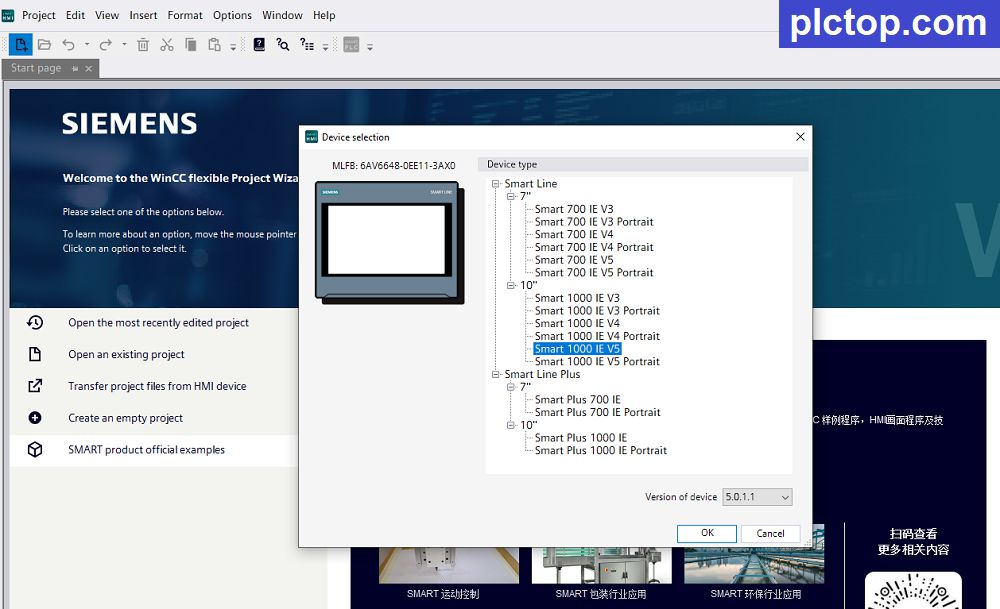
WinCC flexible SMART V5 is Siemens’ engineering software for configuring and programming SIMATIC SMART LINE V5 HMI panels. It enables engineers to create intuitive operator interfaces, monitor machine status, visualize process data, manage alarms, and communicate with PLCs in industrial automation systems. V5 is fully compatible with projects created in V4 while introducing a redesigned user interface and several new engineering features.
Notably, this version supports English, making it easy for engineers worldwide to design and modify programs; it is also the latest version available at the time of writing this article.
Key Features
- Modern graphical user interface with improved engineering workflow.
- Drag-and-drop screen design with a comprehensive library of HMI objects.
- Alarm and event management with historical logging.
- Trend graphs and real-time process monitoring.
- Recipe management for machine parameter storage and retrieval.
- Multi-language project support.
- User authentication and access level management.
- Communication with Siemens PLCs and selected third-party devices through supported industrial communication protocols.
- Data logging and backup functions for production analysis and maintenance.
Typical Applications
WinCC flexible SMART V5 is widely used for:
- Machine control and operation panels.
- Packaging and assembly machines.
- Conveyor and material handling systems.
- Food and beverage equipment.
- Water treatment systems.
- Small and medium-sized industrial automation projects.
Advantages
- Easy-to-use engineering environment.
- Fast project development.
- Reliable communication with Siemens automation products.
- Reduced commissioning time.
- Improved operator experience through modern HMI design.
- Backward compatibility with previous SMART projects.
Installation Tutorial
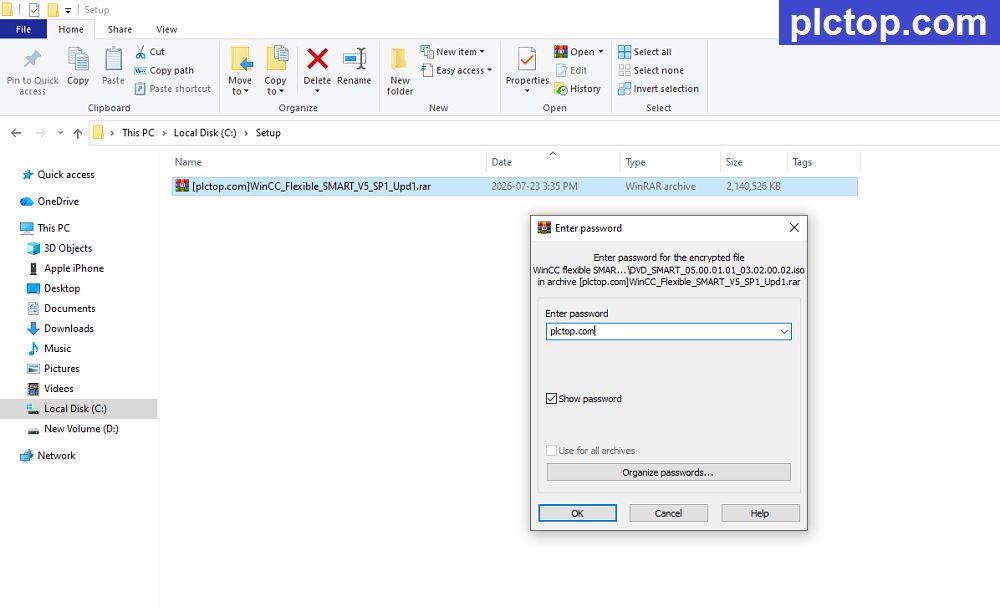
+ Step 1: Download the WinCC Flexible SMART V5 SP1 software and extract it using the password “plctop.com“
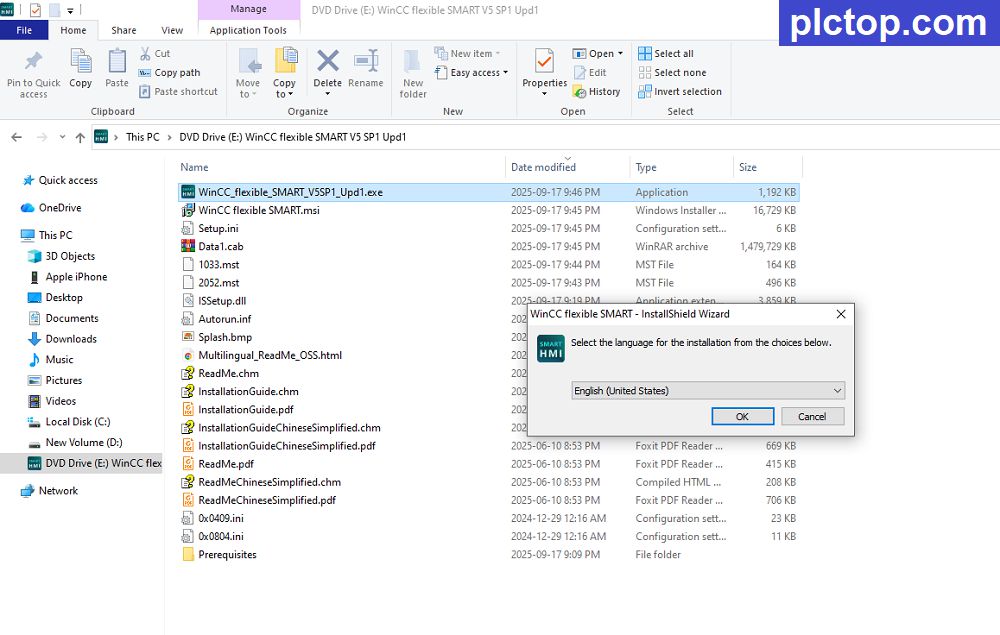
+ Step 2: Run the setup file and select the installation language.
+ Step 3: Select the software installation folder, then click Next.
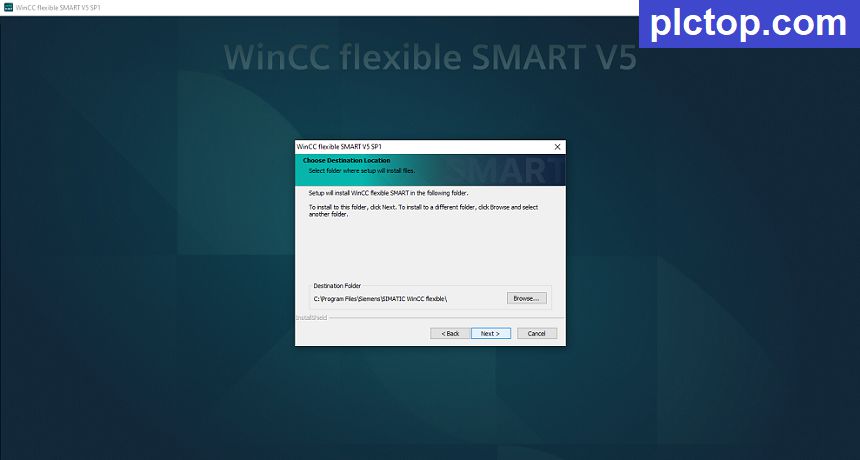
+ Step 4: Keep clicking Next until the installation process is complete.
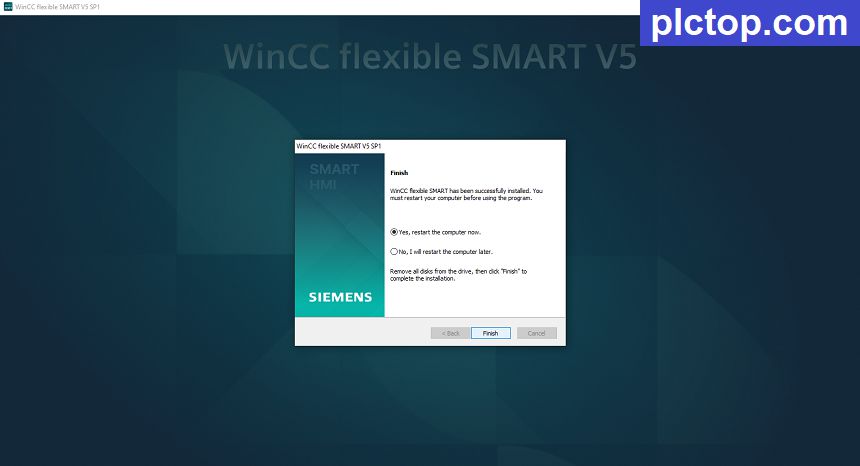
+ Step 5: Enjoy
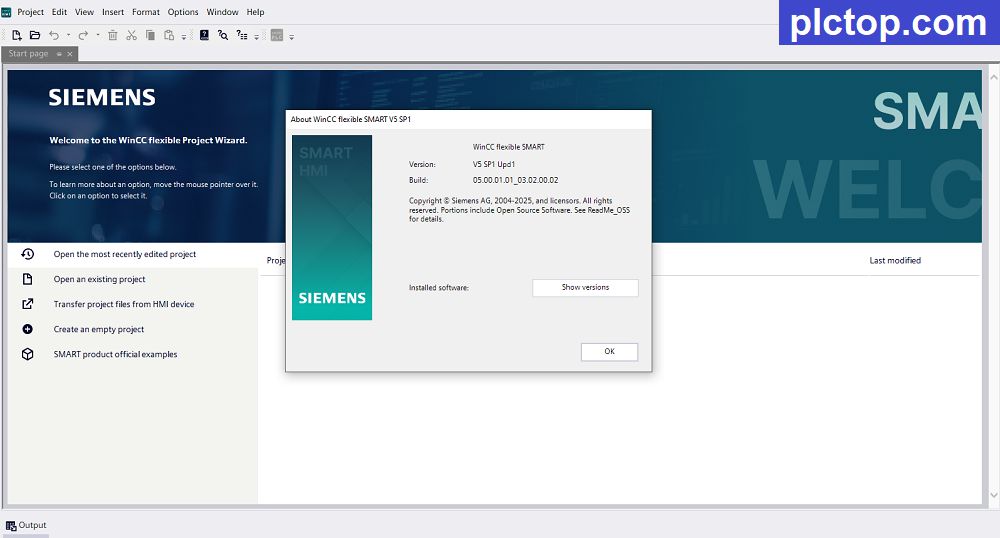
WinCC Flexible SMART V5 Software Full Download (GoogleDrive)
Please download the official software from the Siemens website using the following link.
https://support.industry.siemens.com/cs/mdm/109989784?c=191639656203&dl=de&lc=en-US
Direct download link via Google Drive
>>> Download WinCC Flexible SMART V5 SP1 Software Link
Password Extract: plctop.com
If the download link is broken or you have any problems during the installation of WincCC Flexible SMART V5, please comment below the article, plctop.com will reply to you as soon as I read the comments.
Thanks for views