WinCC Flexible-2008 SP5 is the software for programming the new SIEMENS HMI Display OP/TP-Series
It is also a SCADA software that runs the Runtime on a computer
WinCC Flexible-2008 is a tool that replaces the previous Protool software
# WinCC Flexible-2008 SP5 version supports models
+ Micro Panels : OP-73micro , TP-170/177mircro
+ Mobile Panel : Mobile Panel 170/177 , Mobile Panel 277/277IWLAN
+ Panels : OP-73 , OP-77A , OP-77B , TP-170A/B , OP-170B , OP-177B , TP-270 , TP-277 , OP-270 , OP-277
+ Mutil Panels : MP-177 , MP-270/277 , MP-370/377
+ SIMATIC C7 : C7-365/366
+ HT8 , OP-08T , OP-010-Key , OP-012-Key , OP-012-Touch , OP-015-Key , OP-015A-Key , TP-015A-Key+Touch
+ Simotion PC : P012K-Key , P012T-Touch , P015K-Key , P015T-Touch , PC-R Key , PC-R Touch + Key
+ Panel PC : SIMATIC Panel PC IL 70 , SIMATIC Panel PC 470 , SIMATIC Panel PC 570 , SIMATIC Panel PC 670 , SIMATIC Panel PC 870
+ WinCC Flexible Runtime
- Minimum configuration to run the software
+ Operating system :
Windows 7 (32/64-bit) , Windows 8 (64-bit), Windows 10 (64-bit)
+ CPU : Intel ® Core™ i3-6100U 2.30 GHz
+ RAM : 4 GB
+ DISK : Least 8 GB storage space
- Software installation video (Download link below the article)
- Installation instructions by image
+ Step 1 : Download the software WinCC Flexible and SIM-EKB. Then open WinCC settings by right-clicking and selecting Mount

+ 2 : Run the Setup file
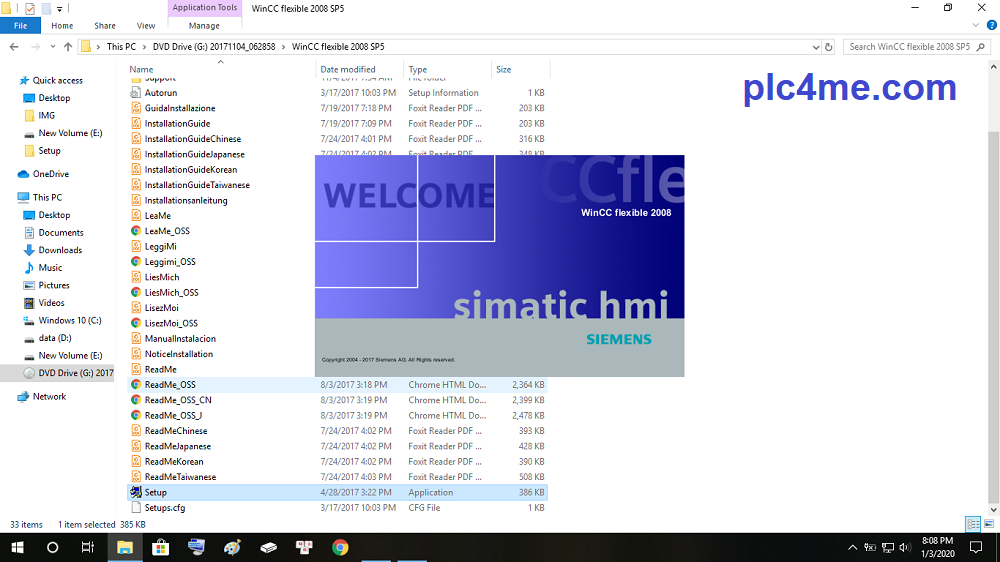
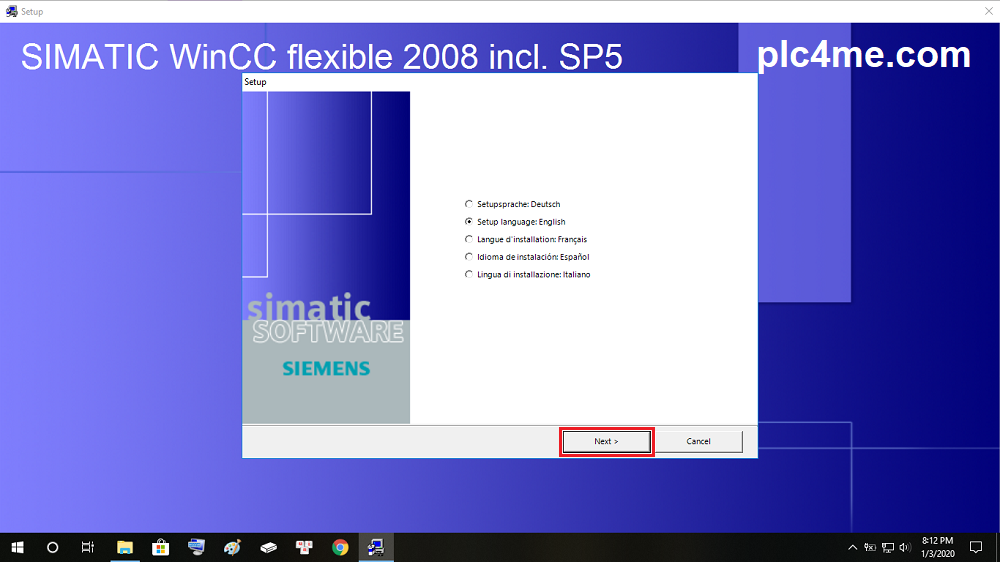
+ 3 : Select the installation language and click Next
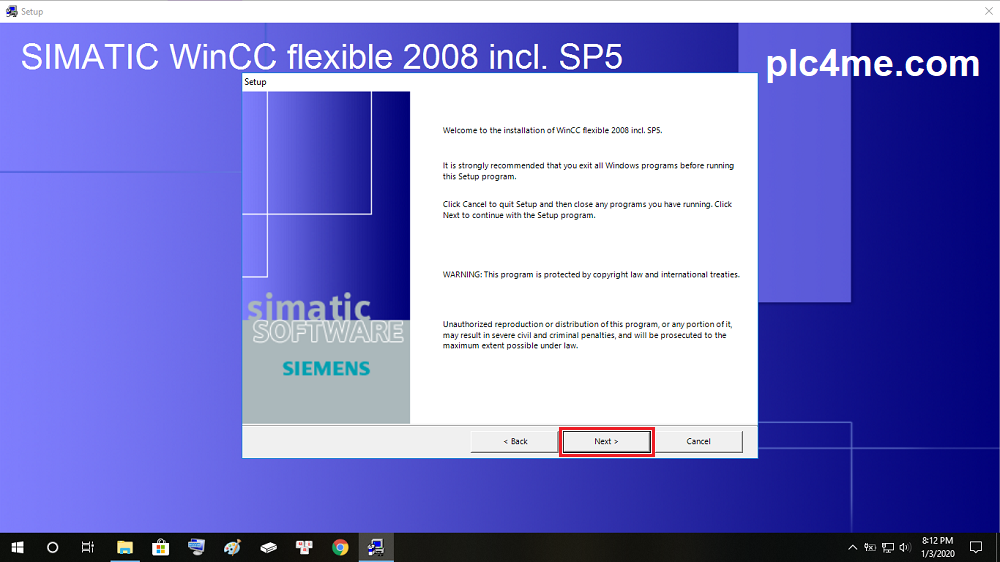
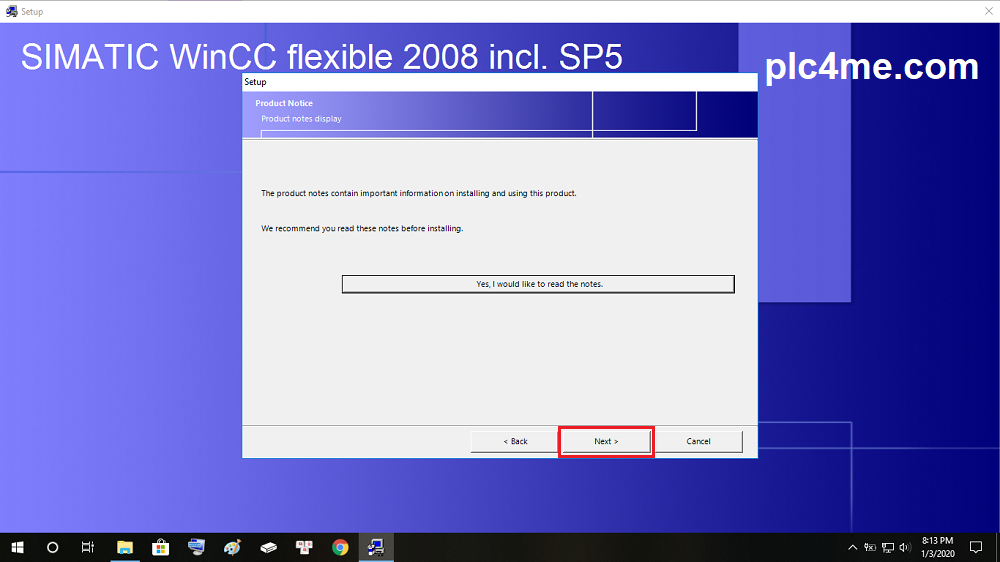
+ 4 : Select Next 2 times in a row
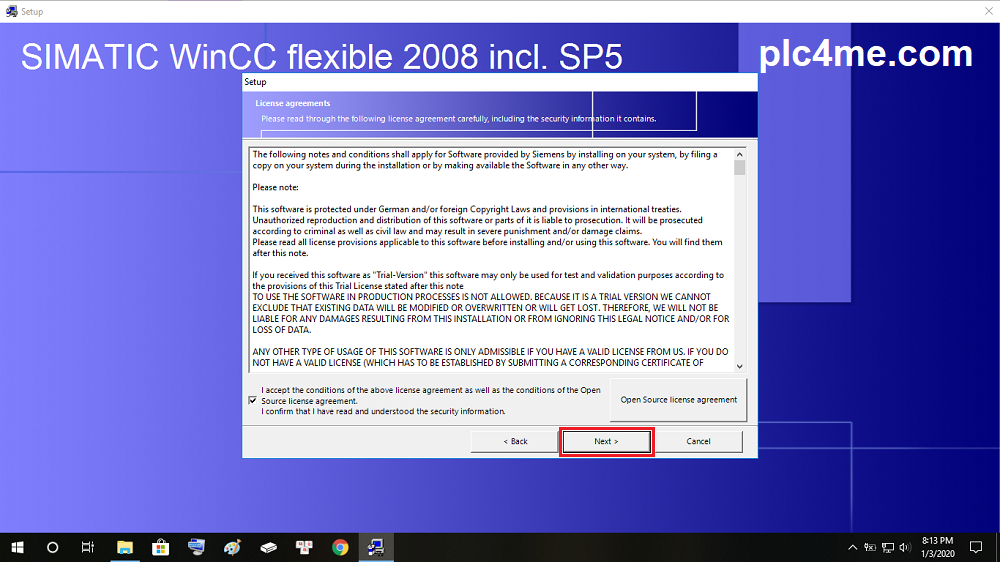
+ 5 : Select I accept the conditions … then Next
+ 6 : Select Product Language
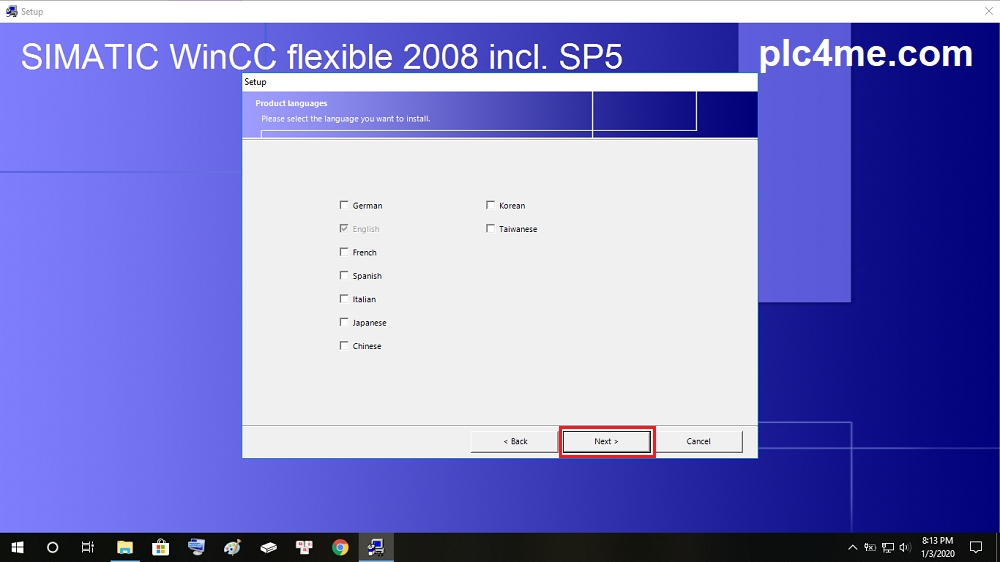
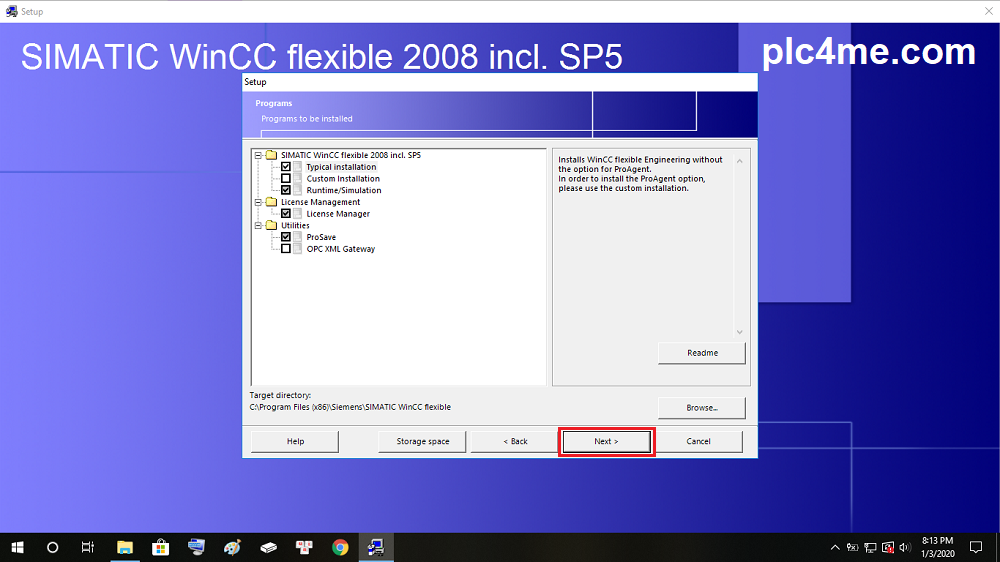
+ 7 : Select the items you want to install
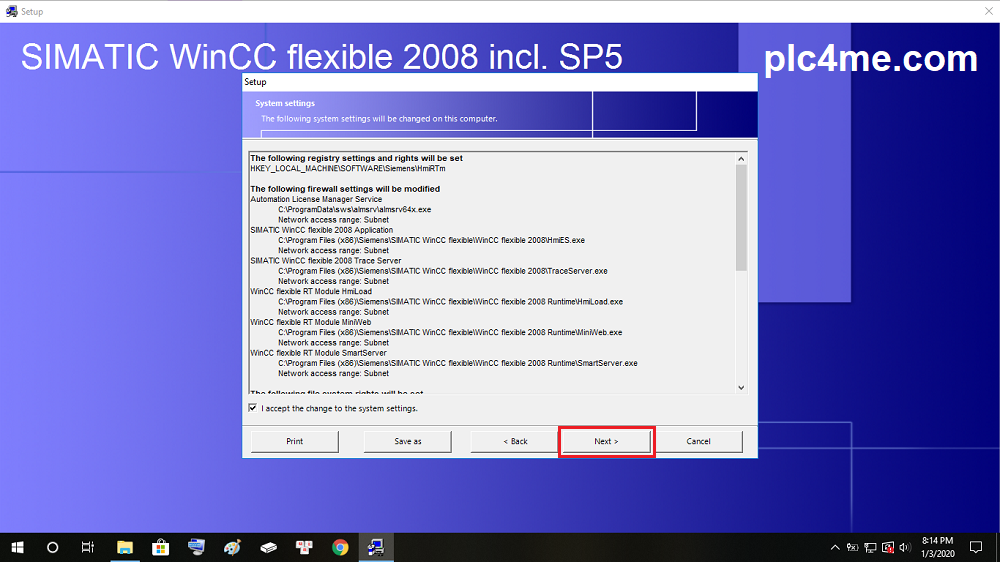
+ 8 : Select I accept the change … then select Next to begin the installation of WinCC Flexible software
+ 9 : The software will begin to install, wait about 30 minutes because the software is quite heavy

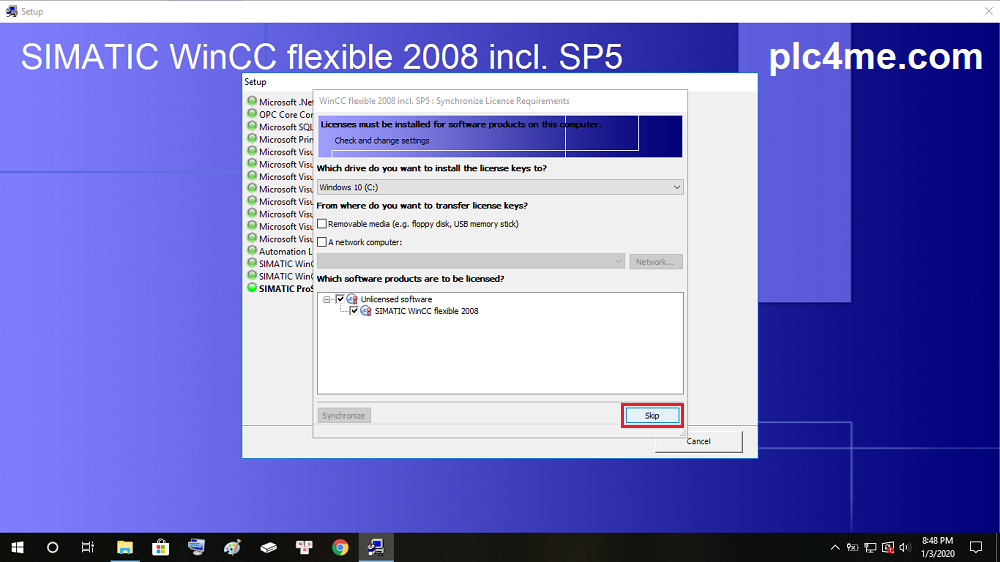
+ 10 : When the installation is almost done, the installer will ask you how you want to transfer the license. select Skip
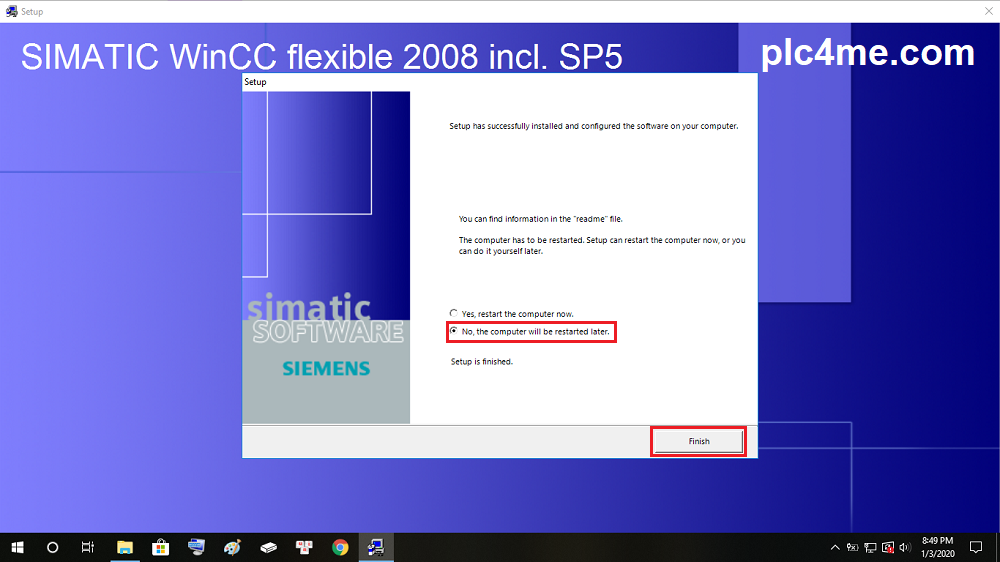
+ 11 : Select Finish after the software installation is successful
+ 12 : Proceed to extract the software SIM_EKB_Install_2018_11_14
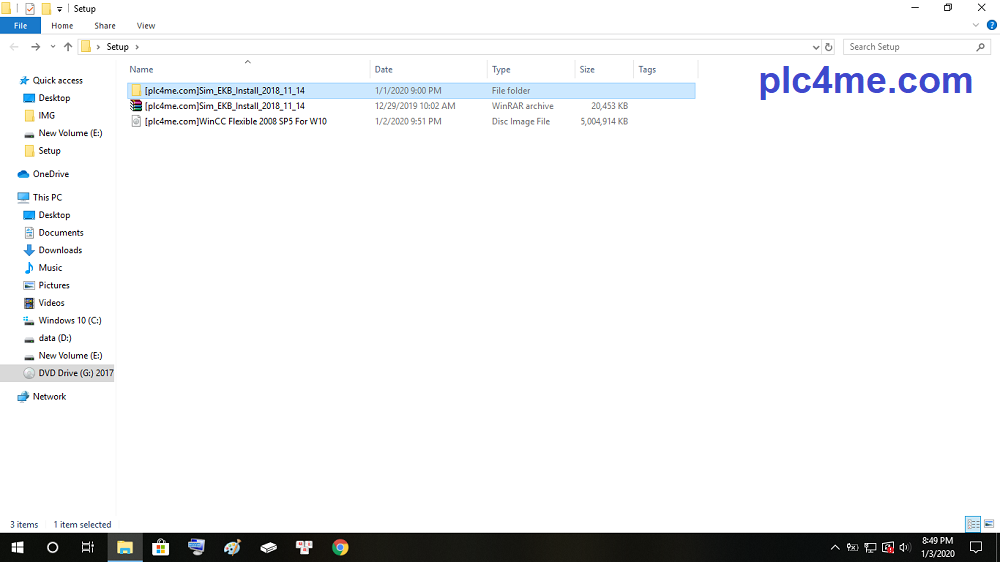
+ 13 : Run SIM_EKB software with admin rights

+ 14 : Follow 4 steps as shown below

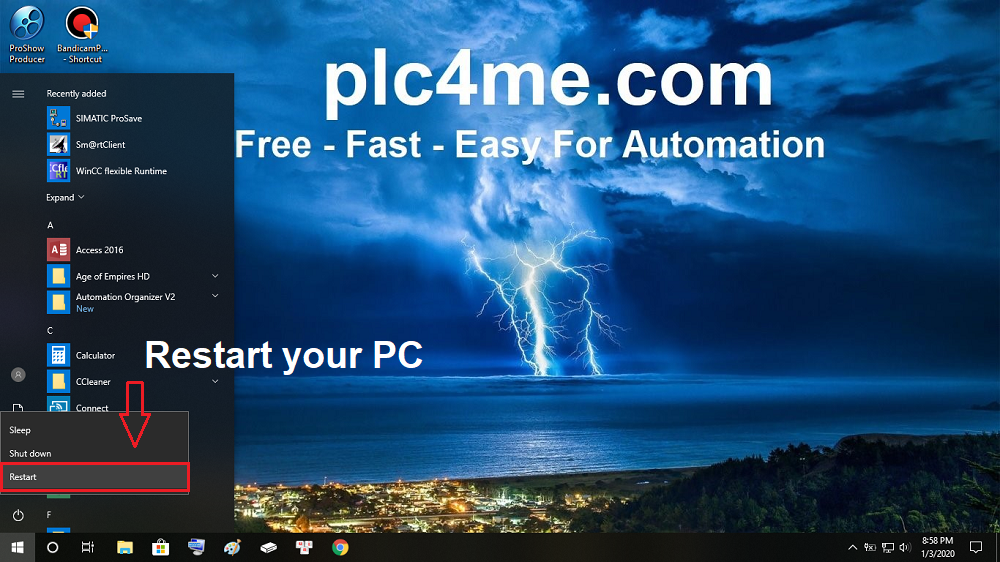
+ 15 : Restart your Computer
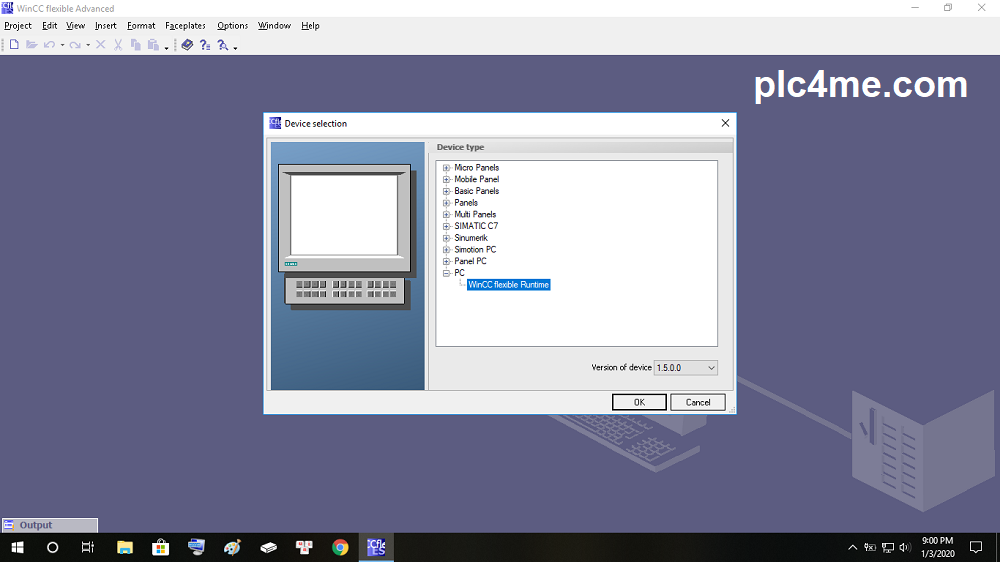
+ 16 : After the device has rebooted, open the software and enjoy it ^^
>>> Link Download Software (Google Drive – High Speed Download)
+ Download WinCC Flexible-2008 SP5.RAR (Password: plc4me.com)
+ Download Sim_EKB_Install.RAR
Update: Download Automation License Manager V6 SP8(Compulsory Upgrade)
If the download link is broken, please comment below the article, I will fix it within 24 hours