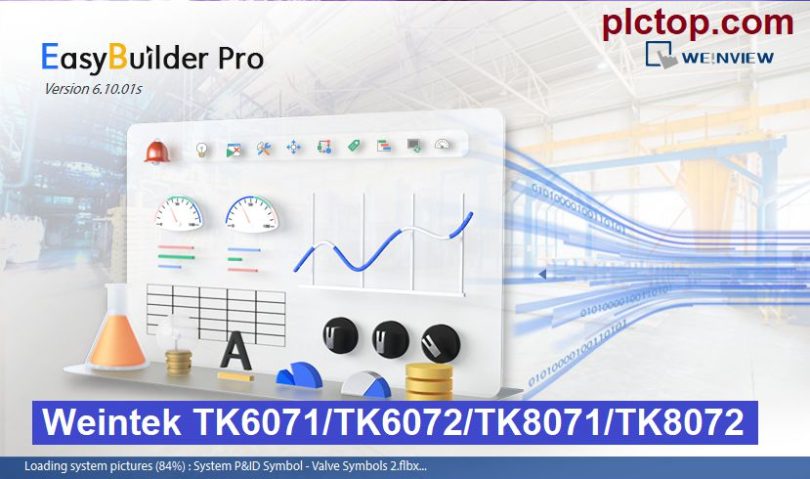

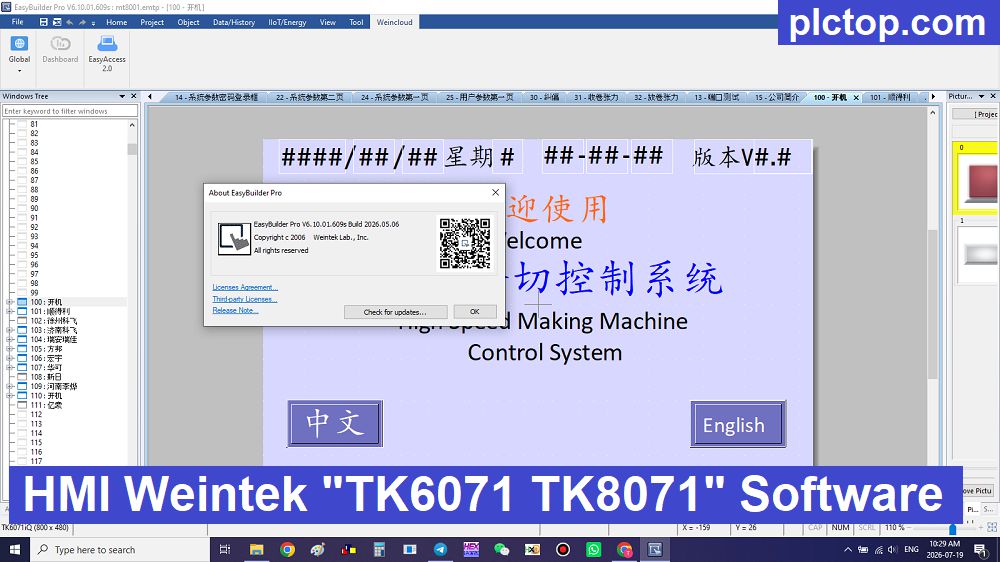
EasyBuilder Pro V6.10.01.609S is a special version of Weintek software designed for the Asian market; it adds support for the TK Series alongside standard HMI lines such as MT, iE, iP, XE, and cMT, enabling users to program and maintain a wider range of HMI models on a single platform.
Key Features
- Intuitive HMI interface design with drag-and-drop functionality.
- Supports over 400 PLC communication drivers, compatible with leading brands including Siemens, Mitsubishi, Keyence, Omron, Delta, Allen-Bradley, Yaskawa, Beckhoff, and Modbus devices.
- Offline simulation for testing HMI projects before downloading them to the target device.
- Supports Macro scripting, JavaScript, Data Sampling, Alarm Management, Recipe Management, Trend Charts, and Event Logging.
- Integrated industrial communication via Ethernet, Serial, Modbus RTU/TCP, OPC UA (supported on selected HMI models), MQTT, and many other industrial protocols.
- Built-in remote access solutions, including EasyAccess 2.0 and Weincloud, enabling remote monitoring, maintenance, and management of HMI devices over the Internet.
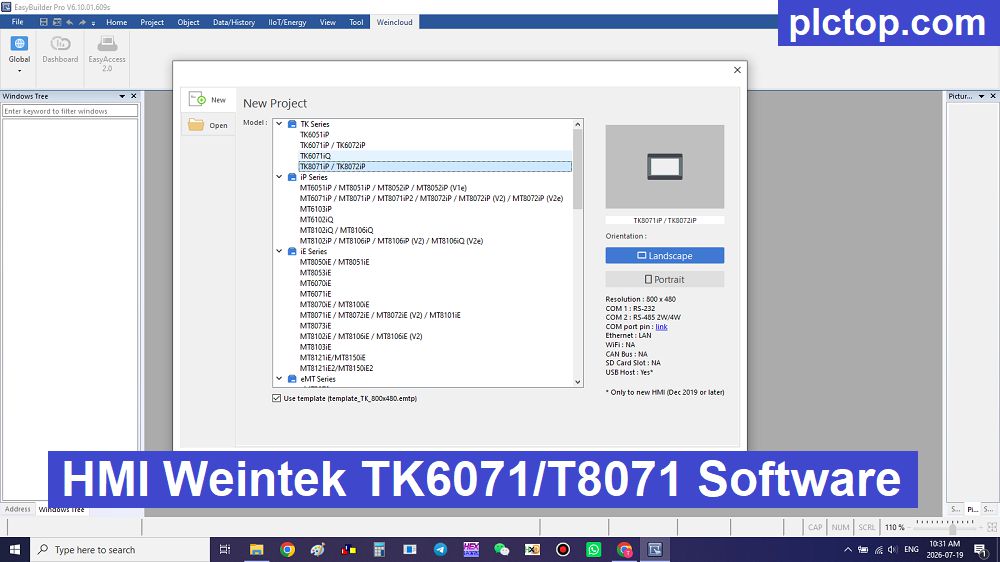
Supported HMI Weintek / WeinView Models
+ TK Series
- TK6051iP
- TK6071iP / TK6072iP
- TK6071iQ
- TK8071iP / TK8072iP
+ iP Series
- MT6051iP / MT8051iP / MT8052iP / MT8052iP (V1e)
- MT6071iP / MT8071iP / MT8071iP2 / MT8072iP / MT8072iP (V2) / MT8072iP (V2e)
- MT6103iP
- MT6102iP
- MT8102iQ / MT8106iQ
- MT8102iP / MT8106iP / MT8106iP (V2) / MT8106iQ (V2e)
+ iE Series
- MT8050iE / MT8051iE
- MT8053iE
- MT6070iE
- MT6071iE
- MT8070iE / MT8100iE
- MT8071iE / MT8072iE / MT8072iE (V2) / MT8101iE
- MT8073iE
- MT8102iE / MT8106iE / MT8106iE (V2)
- MT8103iE
- MT8121iE / MT8150iE
- MT8121iE2 / MT8150iE2
+ eMT Series
- eMT3070
- eMT3105
- eMT3120 / eMT3150
+ XE Series
- MT8090XE / MT8091XE
- MT8092XE
- MT8121XE / MT8150XE
+ cMT Series
- cMT3071
- cMT3072
- cMT3090
- cMT3103
- cMT3151
- cMT-HDM
- cMT-FHD
- cMT-SVR-100 / 100 (V2)
- cMT-SVR-200 / 200 (V2)
+ cMT X Series – Basic
- cMT1107X
+ cMT X Series – Standard
- cMT2059XH
- cMT2079X / cMT2079X (V2)
- cMT2105X
- cMT2109X / cMT2109X2 / cMT2109X2 (V2)
- cMT2109X2 (Li)
- cMT2129X
- cMT2159X / cMT2159X (V2)
- cMT2167X
- cMT2167X (Li)
- cMT2169X
- cMT2169X (Li)
- cMT3160X
+ cMT X Series – Advanced
- cMT3075XH / cMT3075XH2 / cMT3075XH2 (V2)
- cMT3075XH3
- cMT3095X
- cMT3105X / cMT3105X (V2)
- cMT3107XM
- cMT3155X
- cMT3169X
- cMT3219XP
- cMT-FHDX-520
- cMT-FHDX-920
- cMT-SVRX-920 / 922
+ cMT Series – IIoT Gateway
- cMT-G01 / cMT-G01X
- cMT-G02 / cMT-G02X
- cMT-G03
- cMT-G04
- cMT-CTRL01
+ cMT-HD Series
- cMT-HD
EasyBuilder Pro Software Full Download
Direct download link via Google Drive
>>> Download EasyBuilder Pro V6.10.01.609s Software Link (GoogleDrive)
Password Extract: plctop.com
If the download link is broken or you have any problems during the installation of VT Studio V8, please comment below the article, plctop.com will reply to you as soon as I read the comments.
Thanks for views.