


TIA Portal V21 is the latest version in Siemens’ automation software suite, used for PLC programming, HMI configuration, simulation, and project management on a single platform. According to official Siemens documentation, V21 continues to be part of the STEP 7, WinCC, and S7-PLCSIM ecosystem, and Siemens has also released a dedicated page for installation requirements, trial versions, and updates for this version.
If you have previously installed TIA Portal V20 following the plctop.com instructions, the process for upgrading to V21 is generally not much different: you still need to prepare your computer configuration, download the correct installer, select the appropriate components such as STEP 7, WinCC, PLCSIM, and check for updates after installation.
System Requirements for installing TIA-Portal V21
Before installation, you should check your computer’s configuration to avoid errors during the process. Siemens has its own documentation on the requirements for the installation of TIA Portal V21, which summarizes the installation requirements for STEP 7, STEP 7 Safety, WinCC Unified/Professional/Advanced/Comfort, as well as information related to software upgrades, project migration, repair installation, and uninstallation.
In practical use, for large PLC and HMI projects, you should prioritize:
+ CPU from Core i5/i7 or higher
+ Minimum 16GB RAM, 32GB recommended if frequently running heavy projects
+ SSD hard drive with plenty of free space
+ Windows 64-bit compatible with the installer
+ Table network if you need to download additional components or updates after installation
Preparation before installing TIA-Portal V21
Before running the setup, you should prepare the following to minimize errors:
+ Close heavy background applications
+ Run the installer with administrator privileges
+ Check available disk space
+ Uninstall any faulty installations or old Siemens components if previously installed incompletely
+ Back up your old project if you are using TIA Portal V20
+ Prepare the STEP 7, WinCC, and S7-PLCSIM installers according to your needs
The fact that Siemens has separate documentation for upgrades, migration projects, repair installations, and uninstalls for V21 shows that the installation and upgrade process needs to be done carefully, especially on machines that previously had older versions of TIA.
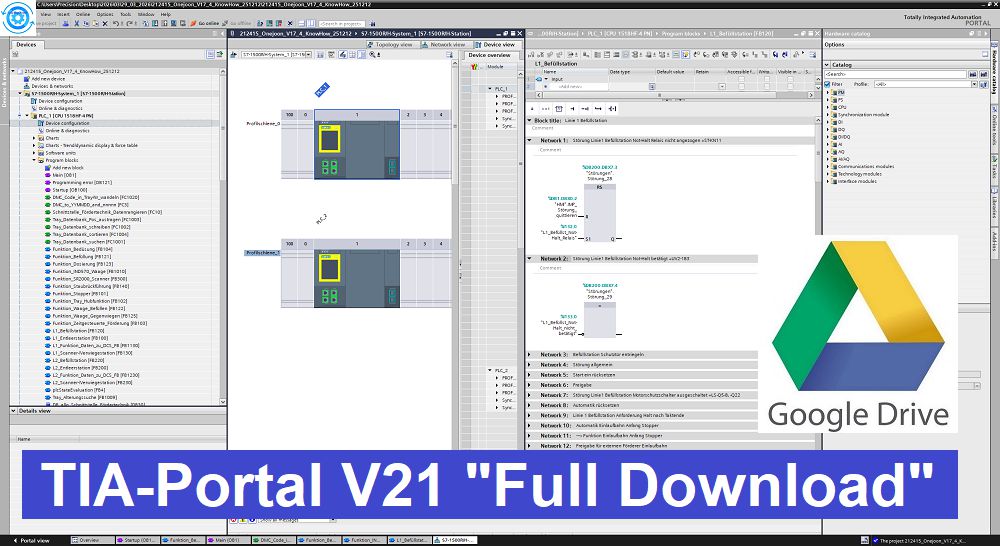
Software Download Link
STEP7 & WinCC
+ Download STEP7 Safety WinCC V21
+ Download STEP7 Safety WinCC V21 DVD2
+ Download TIA-Portal V21.0 Hotfix1
PLC SIM
+ Download S7-PLCSIM V21
+ Download S7-PLCSIM Advanced V8
Additional Software
+ Download WinCC Unified RT V21
+ Download STARTDRIVE Basic Advanced V21 HF2
+ Download SIRIUS Soft Starter ES V21
+ Download SIMATIC NET PC Software V21
+ Download SiVarc V21
+ Download SIRIUS Safety ES V21
+ Download SINAMICS DCC V21
+ Download SIMATIC STEP7 CFC V21
+ Download SIRIUS SIMOCODE ES V21
Active TIA-Portal V21
+ Download SIM EKB Installer 2025-12-04 for “TIA-Portal V21 Active”
( Password Extract: plctop.com )
Thanks for Reading.




Do you have version that supports AI programming
you know name ?
the password of
>>> Download SIM EKB is not correct
using winrar and password: plctop.com sir
not, password is pcl4me.com
password: plctop.com sir
Is that possible after trial time to use this licence
yes sir
how to add unsupported hmi ktp700 pn to TIA V21
install prosave sir
install prosave software sir
Please, I am new to HMI and PLC programming. When I saw TIA portal V21, I was expecting a single link to download a single installer, but seeing plenty of links to seemingly different software, I am taken aback. Please someone should kindly guide me on how to install the TIA portal. I understand that TIA portal comprises STEP 7, WinCC and other parts. But am I to download each of the parts separately or is there a single installer for all of them?
If that is all you need, installing the first link—STEP7—is sufficient.
Hi.
I’m wondering what TIA-Portal V21.0 Hotfix1 is. Is it necessary to download and use it for installation?
no need sir, no need instakk hot hix
Hi
Do I need to download Hotfix1? And what is Hotfix1?
no need , thanks sir
if i dont have any TiaPortal versions, what i have todo first? download step7 winCC V21, then step7 winCC V21 DVD2, and then TiaPortal Hotfix 1?
only DVD.1 ok sir
Hi password of sim ekb install is incorrect, y tried both “pcl4me.com” and “plctop.com”.
please using Winrar “New Version”
por que al usar el programa, no me me sale o me dice que no tengo licencia OPC UA server? como se soluciona, ya que al y tratar de activar la casilla de activar accesibilidad del servidor no me deja,
please comment via english
estoy creando un proyecto en tia portal V21 pero de la nada me salió un mensaje que mi licencia tiene unos pocos días para que caduque, como renuevo la licencia, es primera vez que trabajo con este software e hice todo el procedimiento de descarga y de instalación, necesito ayuda con eso
I am working on a project in TIA Portal V21, but a message suddenly appeared stating that my license is about to expire in a few days. How do I renew the license? This is my first time using this software, and I followed the entire download and installation process; I need some help with this.
s7-plcsim V21 download not working
hello sir, i check link still OK sir
the pass correcto is plc4me.com sir
ok thanks sir