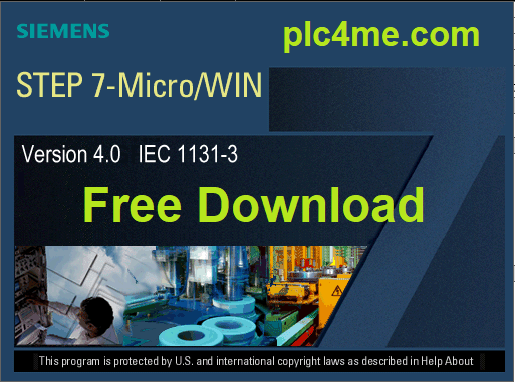

Version Step7 V4 SP9 is the latest version for programming PLC S7-200
This version supports all s7-200 series including the lines of china :
( Siemens CPU22CN, CPU224CN, CPU226CN )
It also supports installation on Windows 7,810-64bit
- Software installation video (download link below the article)
- Installation instructions for images :
+ Step 1 : Extract the downloaded file

+ Step 2 : Click on the setup.exe file and choose setup Language then Next

+ Step 3 : Choose Next

+ Step 4 : Select Yes to confirm the License agreement

+ Step 5 : Choose Destination Location then Next

+ Step 6 : Waiting for the installation process to take place

+ Step 7 : Click OK

+ Step 8 : After the installation process is completed, select Finish

OK, done. Now we proceed to open the software and work with PLC ^^

>>> Link Download Software (Google Drive – High Speed Download) :
+ Download Step7 For S7-200 Siemens Software.RAR
+ Download S7-200 Simulator.RAR
If there are any problems during the installation process please comment below the post
Thanks for visiting website ^^