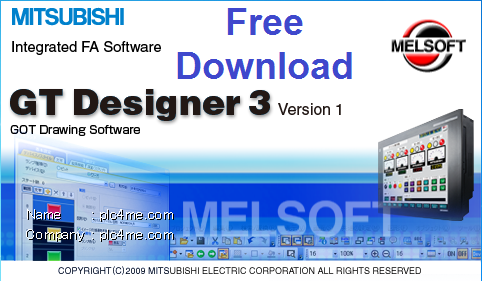

GT-Works3 software includes many software, including 2 HMI design software, GT-Designer-3 and Designer-2
Software to support the design of HMI Series : F900, A900 ,GOT1000,GOT2000…
- Installation video tutorial (Download link at the end of the article) :
- Installation instructions for images :
+ Step 1 : Extract the downloaded file
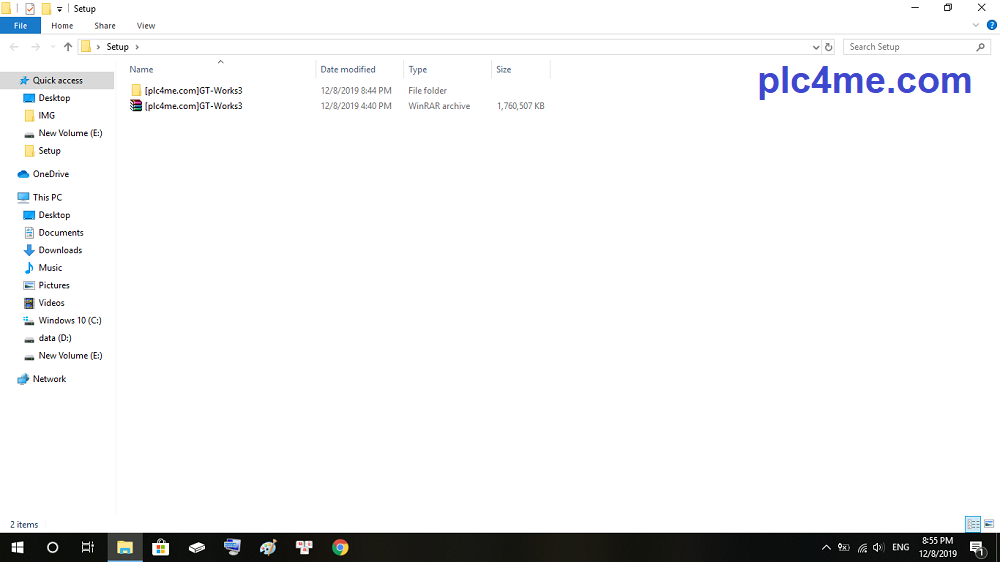
+ Step 2 : Open the unzipped folder, click on the autorun.exe file

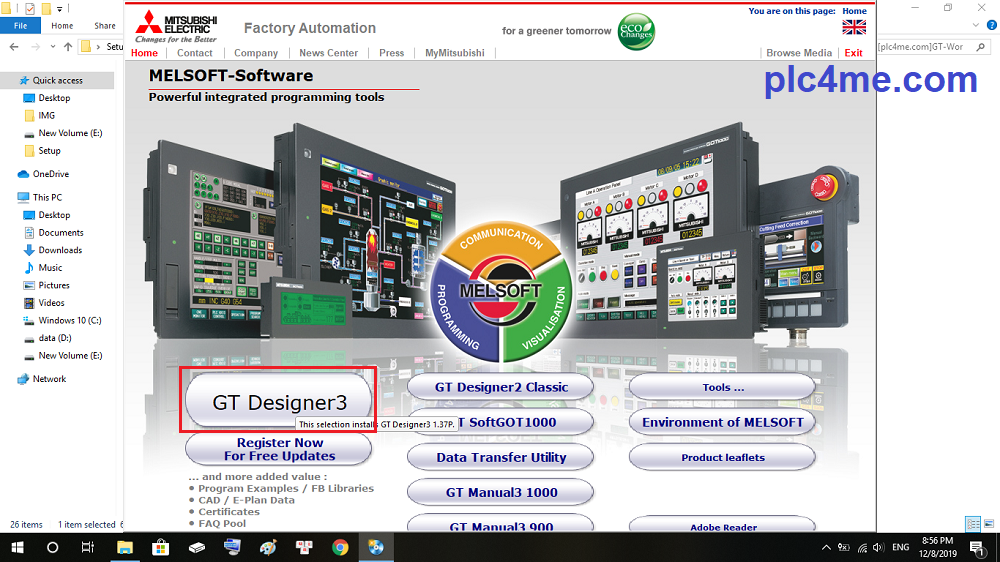
+ Step 3 : Click “GT-Designer 3” (You can also choose GT-Designer 2 if you want)
+ Step 4 : Click “OK”

+ Step 5 : Next

+ Step 6 : Go back to the extract file and Open file “Key” >> Copy Serial Number

+ Step 7 : Paste Serial Number then “Next”

+ Step 8 : Selection of install destination

+ Step 9 : Check your installation configuration and select “Next”

+ Step 10 : The installation process will take place, it will take about 5 to 10 minutes depending on your device configuration

+ Step 11 : Choose “OK” if you want shortcut added to the desktop

+ Step 12 : After the installation process is completed, select “Finish”

+ Select “Exit” to exit the installer

Open Software and Working now ^^


>>> Link Download Software (Google Drive) :
+ Download GT-Designer3 GT-Works3 Mitsubishi Software.RAR
If there are any problems during the installation process please comment below the post
Thanks for visiting website ^^