


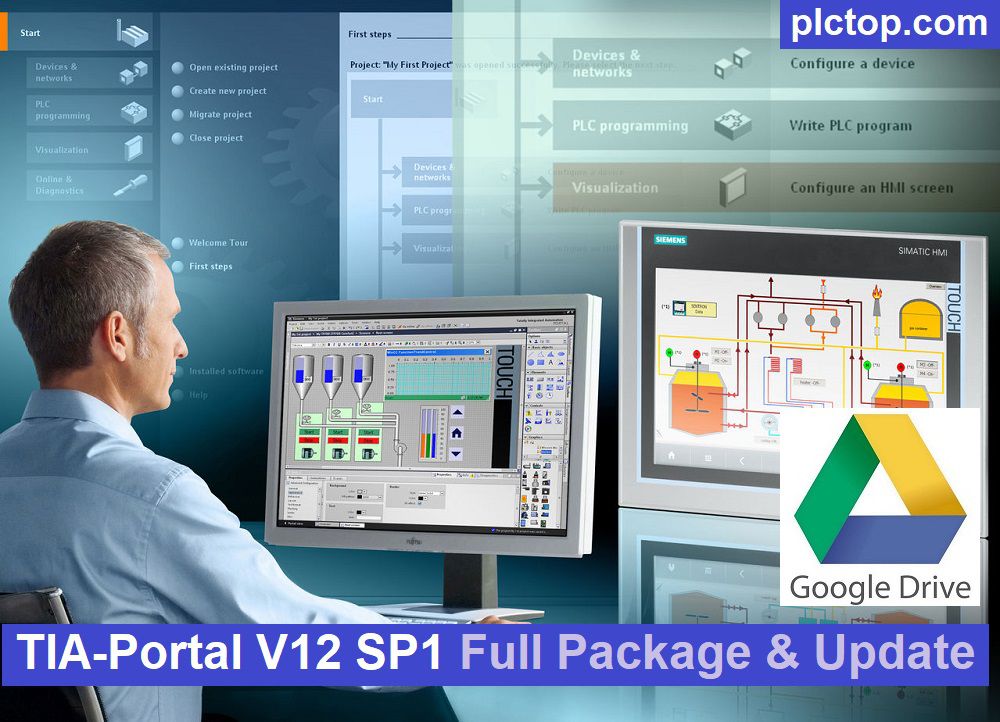
TIA Portal V12 SP1 is Siemens’ integrated automation engineering platform that combines PLC programming, HMI development, industrial communication, diagnostics, and motion control within a single environment. It enables efficient development, commissioning, and maintenance of SIMATIC automation systems, including S7-1200 and S7-1500 controllers.
Today, plctop.com is pleased to provide a complete guide to downloading TIA Portal V12 SP1 Full Package directly from Google Drive. All necessary files, installation resources, and instructions are conveniently included in this article, helping you save time and quickly get started with Siemens automation software.
System Requirements
To install and run TIA Portal V12 SP1, your computer should meet the following minimum system requirements:
- Processor: 2.4 GHz or faster
- Memory (RAM): 3 GB minimum
- Screen Resolution: 1280 × 1024 pixels or higher
- Operating System: Microsoft Windows XP SP3, Windows 7, Windows 8, Windows 10 / 11 (32-bit and 64-bit versions supported)
Improvements for TIA-Portal V12
- Faster project loading and compilation performance.
- Improved stability when working with large and complex projects.
- Enhanced compatibility with projects created in TIA Portal V11.
- Additional features and functionality for WinCC and Startdrive.
- Optimized engineering workflow for increased productivity and reliability.
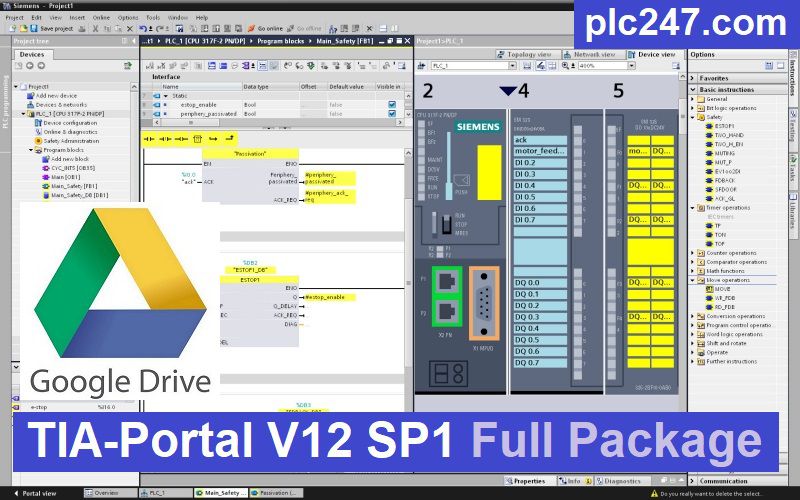
TIA-Portal V12 SP1 Software Full Download (Google Drive)
Please download the official software from the Siemens website using the following link.
Direct download link via Google Drive
>>> Download STEP7 Professional V12 SP1
>>> Download WinCC Professional V12 SP1
>>> Download WinCC Runtime Professional V12 SP1
>>> Download WinCC Basic V12 SP1
>>> Download WinCC Comfort Advanced V12 SP1
>>> Download WinCC Runtime Comfort Advanced V12 SP1 + Update.2 + Update.5
>>> Download SINAMICS StartDrive V12 SP1
Download SIM EKB Software & Video Tutorial
>>> Download SIM EKB 2023.11.24 Software for TIA Portal V12 SP1
Password Extract: plctop.com
If the download link is broken or you have any problems during the installation of TIA Portal V12 SP1, please comment below the article, plctop.com will reply to you as soon as I read the comments.
Thanks for views.



hi, what’s the password for ekb install