The PLC S7-200 Smart series made by China, is for this large market. The PLC series has many updates to change the characteristics between S7-200 and S7-1200. S7-200 with large IO expansion, high frequency pulse input and output signals, much higher than the S7-200 and S7-1200 series. So this is a great advantage for motion control systems. However, the S7-200 oriented programming architecture and communication capabilities also support a limited way so it is rarely used in large systems.
- STEP7 V5.6 Professional for Siemens S7-300, S7-400 Download
- Download Siemens STEP7 MicroWIN V4 SP9 for S7-200 PLC
And today plc247.com, would like to share with you the software used to program the S7-200 Smart PLC which is STEP7 MicroWIN SMART V2.5 software. Especially with version V2.5, the software can work with EPLAN easily
Supported operating systems
+ Windows XP, Windows Server
+ Windows 7
+ Windows 8/8.1
+ Windows 10
Detailed software installation instructions
+ Step 1: Download and extract the software with the password plc247.com

+ Step 2: Go to the folder STEP 7 MicroWIN SMART V02.05.00

+ Step 3: Proceed to run the setup.exe file and then select the installation language

+ Step 4: Agree to the terms of use of the software
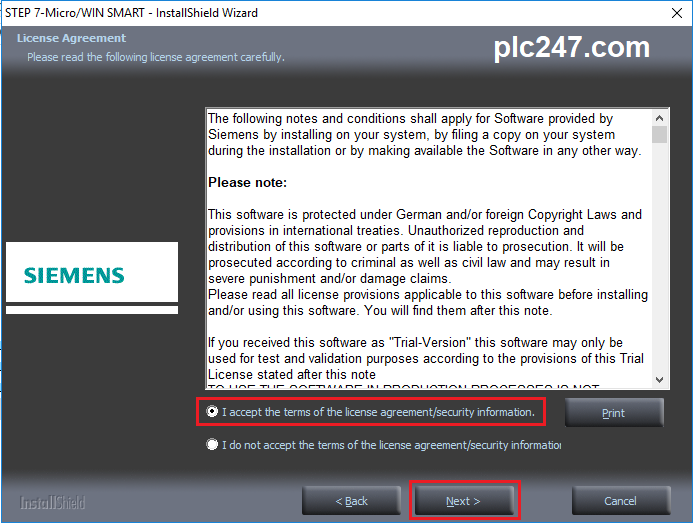
+ Step 5: Choose Destination Location

+ Step 6: Wait for the installation to take place in a few minutes

+ Step 7: Select Finish when the installation is complete

+ Step 8: Enjoy ^^
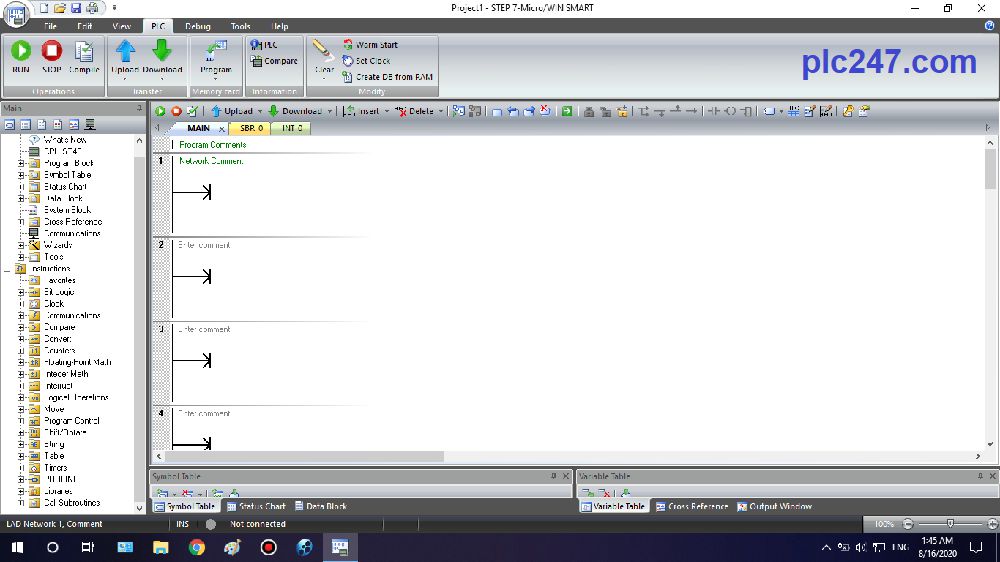
Video instructions to install MicroWIN Smart
Link Download Software 
>>> Donwload STEP7 MicroWIN SMART V2.5
Password Extract: plc247.com
=====
If the download link is broken, let plc247.com know, we will fix it as soon as we read the comments. Thank you for your time on the website!