



Hello! Today plc247.com would like to share to you the GX-Works2 software. This is an upgrade and replacement software for GX-Developer software with many new features for programming!
GX-Works2 software has additional programming languages such as FBD (Function Block Diagram), SFC (Sequential Function Chart)
If you do not need to use the connection with FX5U PLC, the GX-Works2 software is fully featured and the installation capacity is small.
Supported operating systems
+ Windows-XP , Windows Vista
+ Windows 7
+ Windows 8 / 8.1
+ Windows 10
Video for installing GX-Works2
Instructions for installing GX-Works2 with images
+ Step 1: Download and extract GX-Works2 software with password plc247.com

+ Step 2: Go to GX-Works2 Version 1.560J folder

+ Step 3: Run the setup.exe file and select OK

+ Step 4: Click Next to continue the software installation

+ Step 5: Open the Key-Install file and proceed to enter the Key


+ Step 6: You can choose to install additional GX-Developer software or not

+ Step 7: Choose Destination Location

+ Step 8: Wait for the installation process to take several tens of minutes
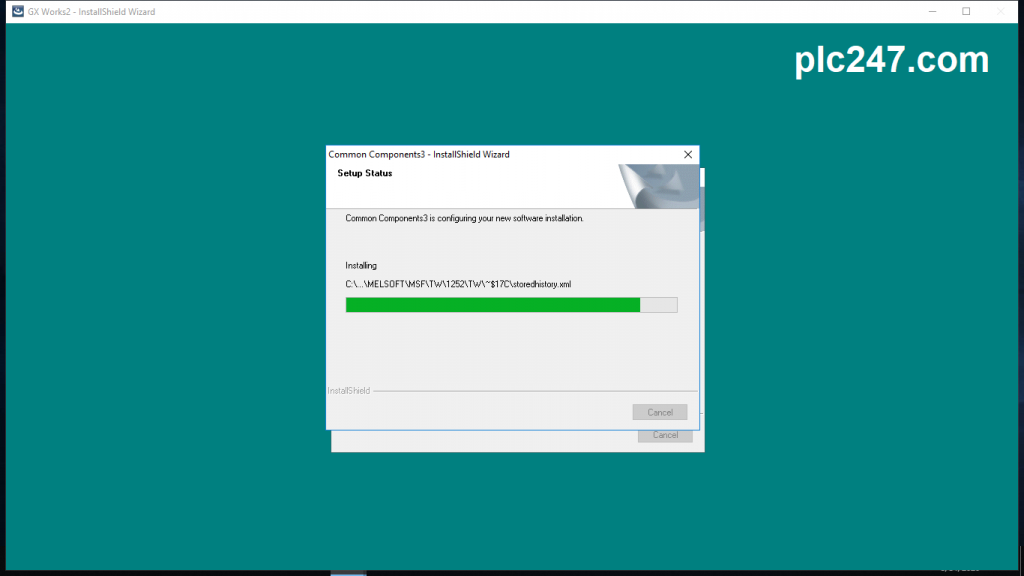
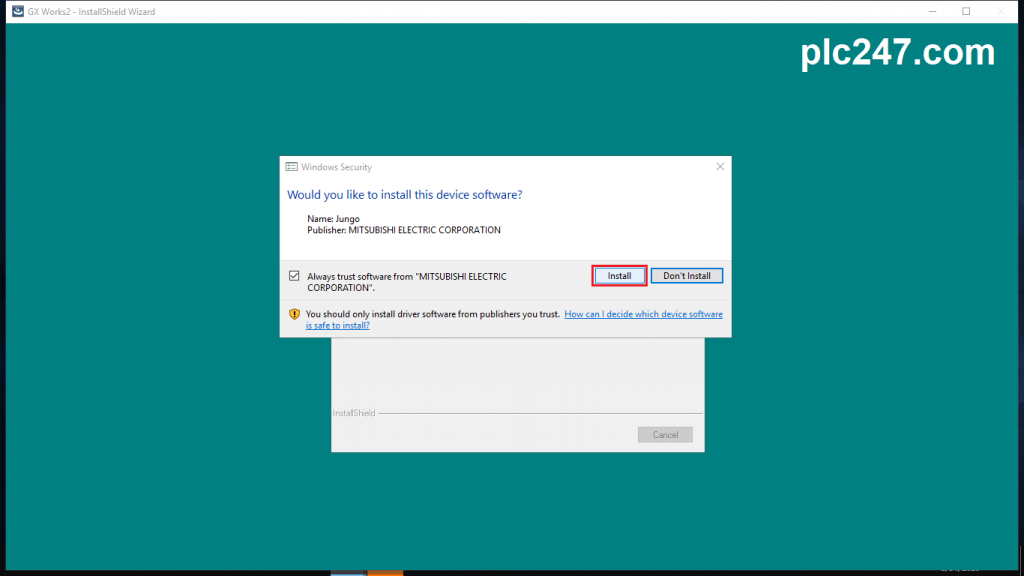
+ Step 9: Select Install to install Device
+ Step 10: After the installation process completes, select Finish

Open the software and enjoy

Software Installation Instruction Video
======
Link Download GX-Works V1.560J (906MB)
>>> Download GX-Works2 V1.560j with GoogleDrive 
Update: >>> Download GX Works2 V1.601B Upgrade Version
Password Extract: plc247.com
=====
Please like, comment and share the article if you find it useful!

Thank you so much !
ok thanks sir