Hello friends!
GX Developer V8.98C is programming software for MELSEC FX series and some MELSEC Q Series series of Mitsubishi PLCs such as: FX0(S), FX0N, FX1(S), FX1N, FX2N, FX3G, FX3U, Q00U, Q02U , Q04UDH… Older versions will not support FX3G, FX3U PLCs.
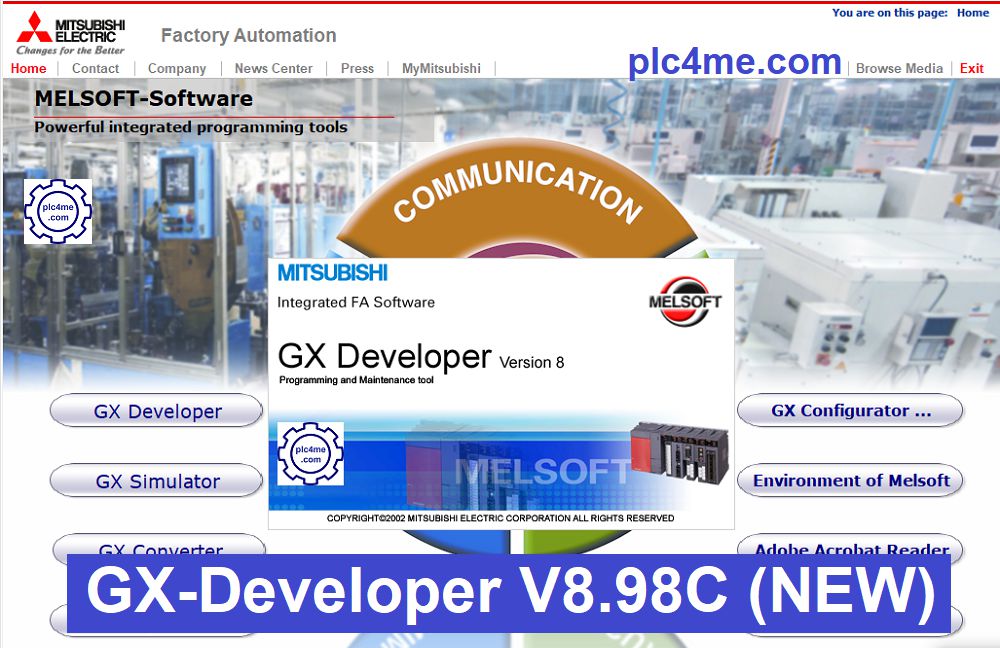
GX Developer V8.98C Infomation
+ Publisher: Mitsubishi Electric
+ Version: 8.98C
+ Updated: 06/2022
+ Compatible with operating systems: Windows XP/7/8/10
+ Support programming for Mitsubishi PLC series such as: FX Series, QnA, QnAS, Q Process, QS Safety, L Series, Motion(SCPU)…
Instructions for Installing GX-Developer
+ Download the software (Link at the bottom of the article) and extract it with the password: “plc4me.com”

+ Click on file “autorun”

+ Install in turn as follows
- Setup “Environment of Melsoft”
- Install GX Developer Software
- Install GX Simulator Software

+ GX Developer “Product Key = 352-100201687“

Software Download Link (GoogleDrive Link)
+ GX Developer V8.98C Software Download
Backup Link:
+ GX Developer-V8.98C-Software-Download
Password Extract: plc4me.com
Please comment below the article if the link is broken so that plc4me.com can fix it as soon as you read the comments.
Thanks for Reading!