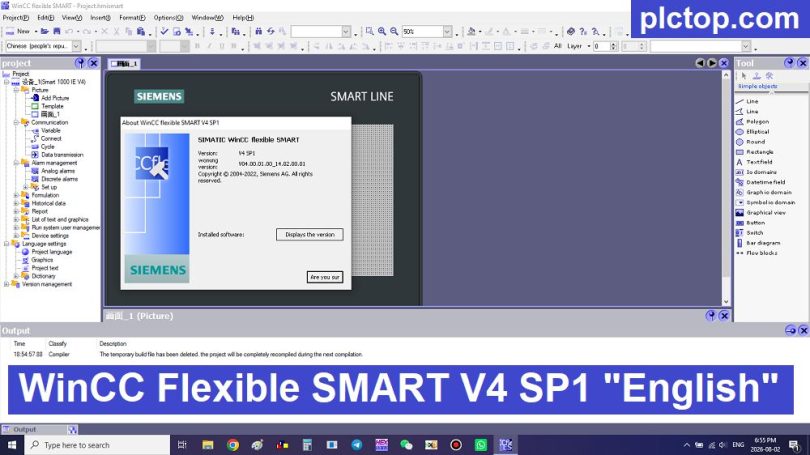

WinCC flexible SMART V4 is a professional HMI configuration software developed by Siemens for designing and commissioning SIMATIC SMART LINE HMI panels. It provides a simple and efficient engineering environment for creating operator interfaces, machine control screens, alarm systems, recipes, trends, and data logging applications.
Designed mainly for small and medium automation systems, WinCC flexible SMART V4 is widely used with Siemens S7-200 SMART PLC and SMART LINE HMI devices in machine automation applications.
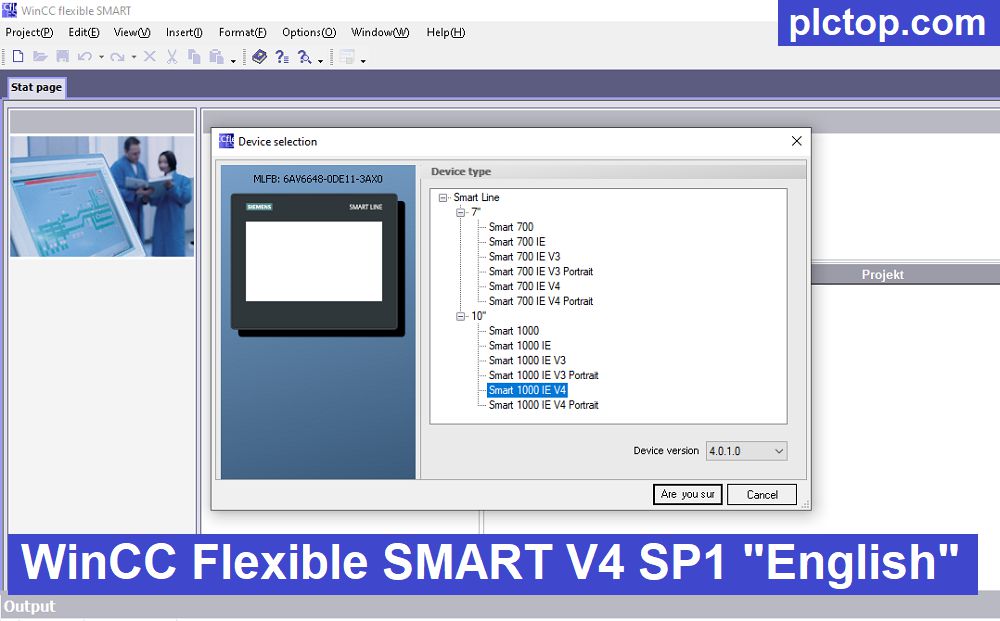
WinCC Flexible V4 SP1 supports older models such as the HMI Smart 700 and Smart 700 IE (which are not supported by WinCC Flexible V5).
Key Features
WinCC flexible SMART V4 allows engineers to easily create intuitive operator interfaces, including:
- Graphical HMI screens
- Buttons and switches
- Lamps and status indicators
- Numeric and text displays
- Alarm management
- Trend visualization
- Recipe management
- Data logging
- User administration
PLC Communication Support
WinCC flexible SMART V4 supports communication with various industrial controllers:
- Siemens S7-200 SMART PLC
- Siemens S7-1200 / S7-1500 PLC (depending on communication configuration)
- Siemens S7-300 / S7-400 PLC
- Modbus RTU devices
The software supports flexible communication configurations, including simultaneous Ethernet and serial communication on SMART LINE V4 panels.
Supported HMI Devices
WinCC flexible SMART V4 is designed for:
- SIMATIC SMART 700
- SIMATIC SMART 700 IE
- SIMATIC SMART 1000
- SIMATIC SMART 1000 IE
- SMART LINE V4 panels
Installation Tutorial
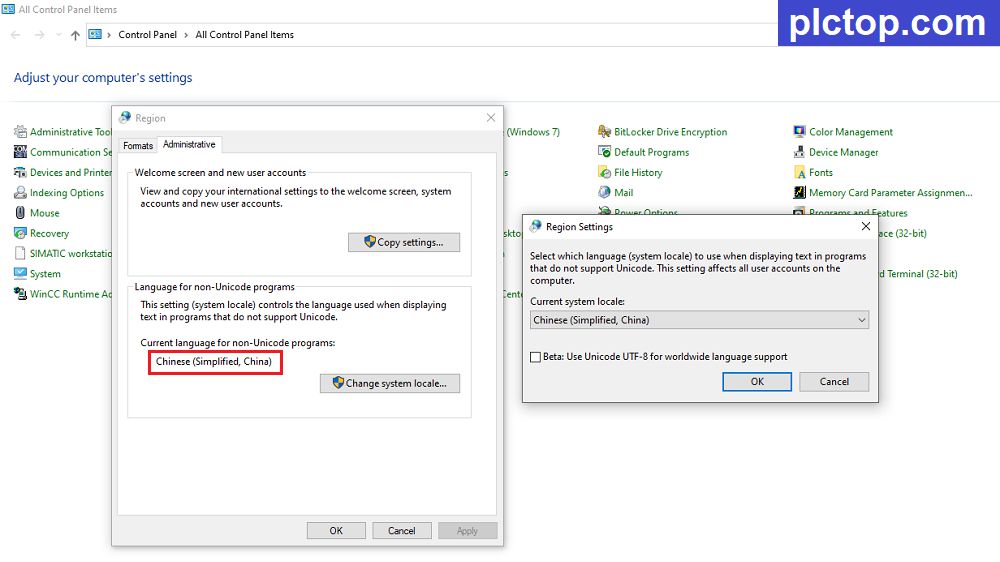
+ Step 0: Before installation, we need to change the computer’s region and language settings to Chinese.
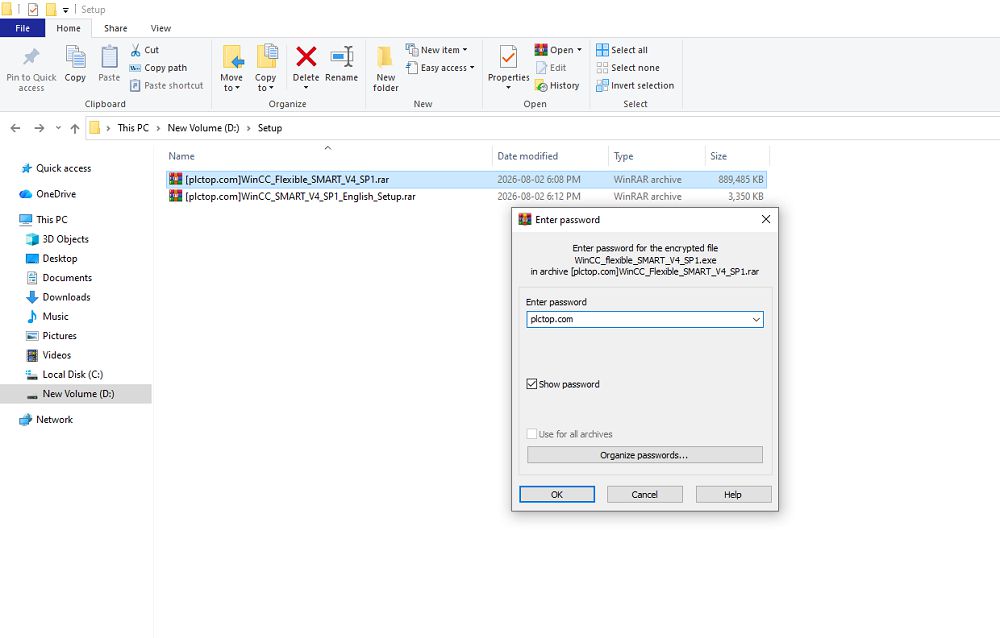
+ Step 1: Download the WinCC Flexible SMART V4 SP1 software and extract it using the password “plctop.com“
+ Step 2: Run the setup file and select the installation language.
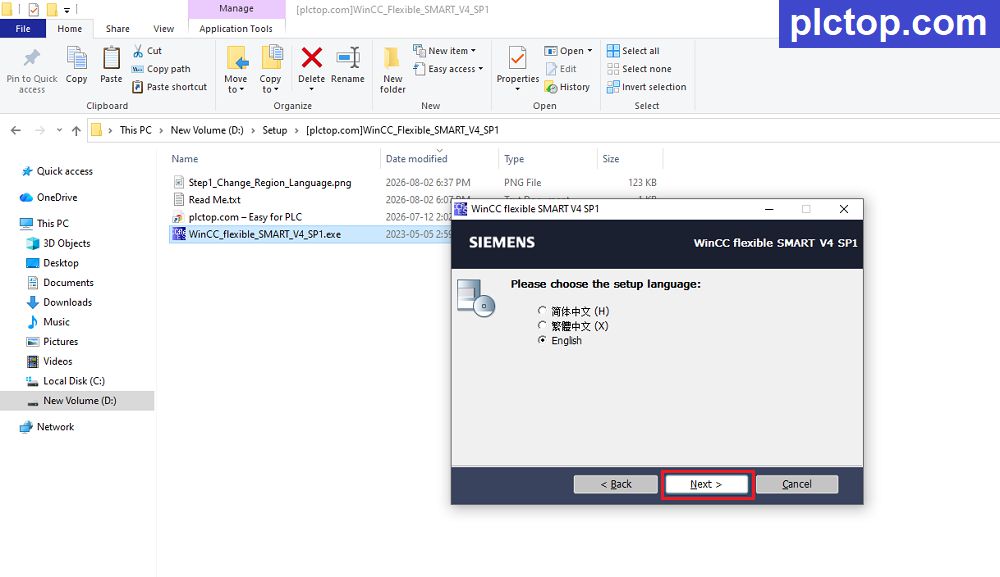
+ Step 3: Select the software installation folder, then click Next.
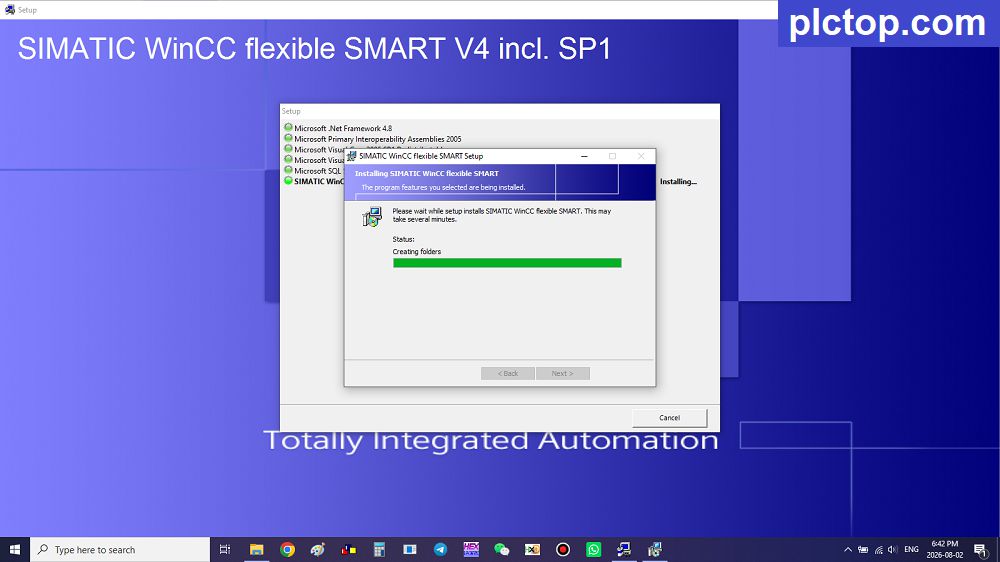
+ Step 4: Keep clicking Next until the installation process is complete.
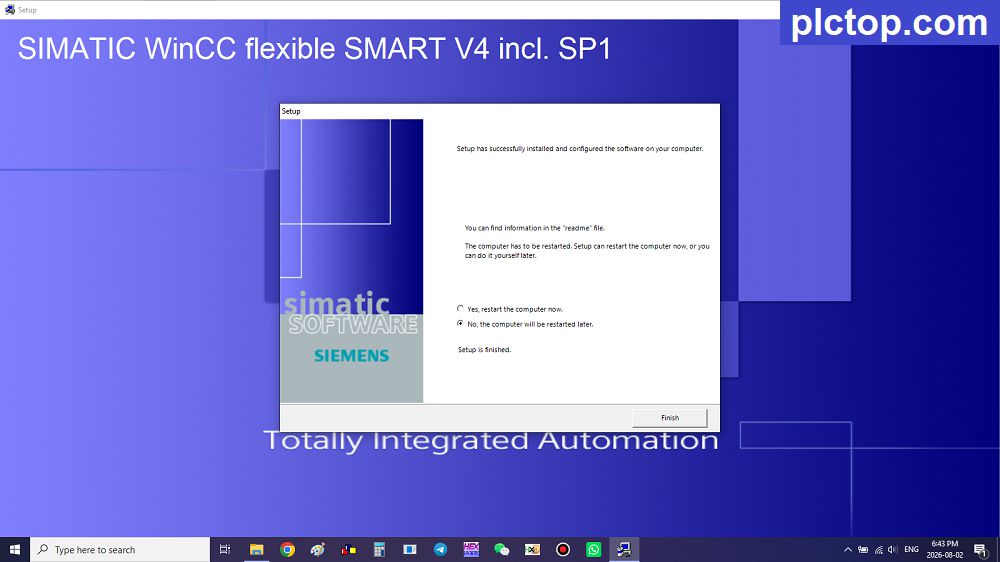
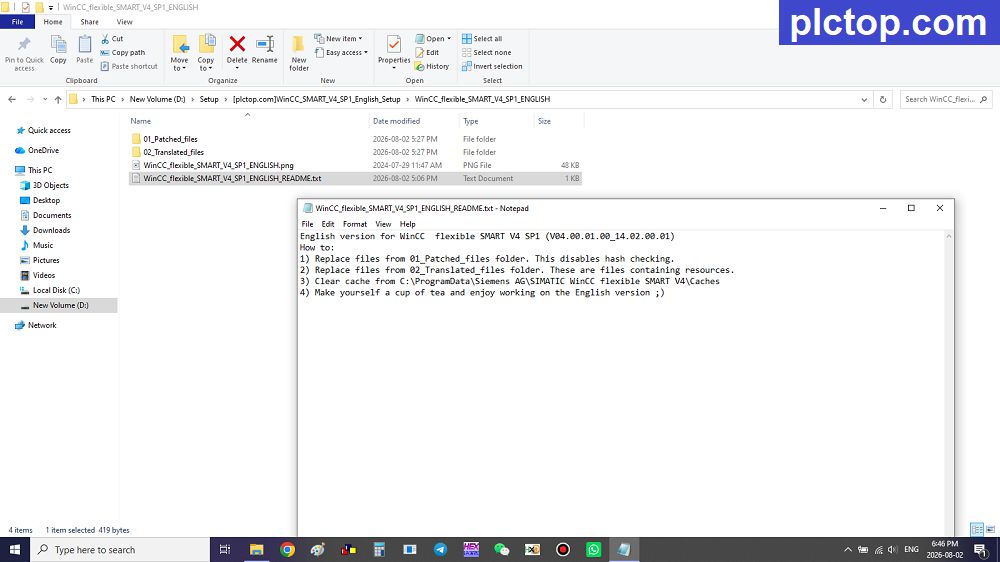
+ Step 5: Extract the file “WinCC_SMART_V4_SP1_English_Setup” with password plctop.com.
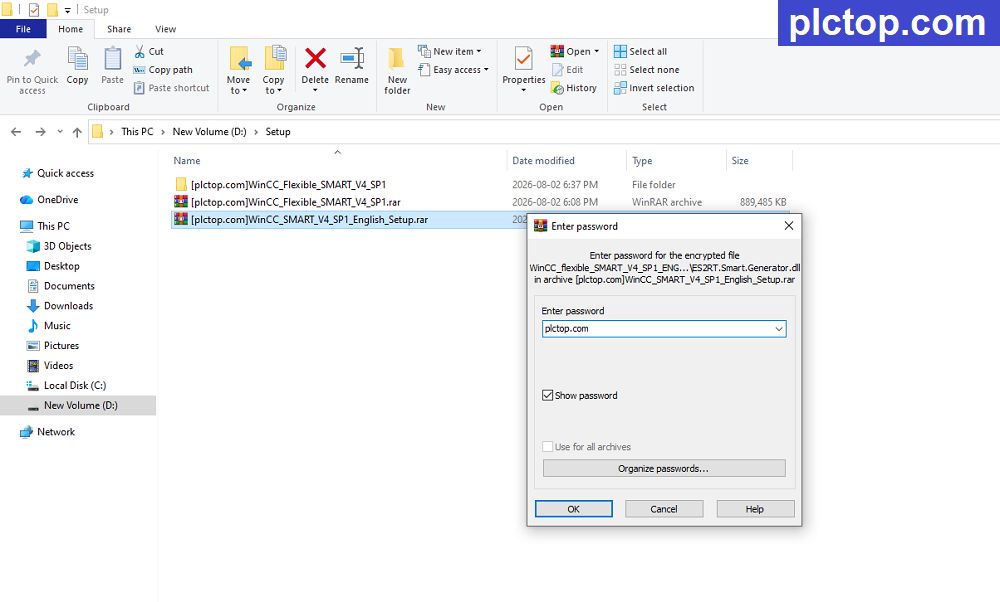
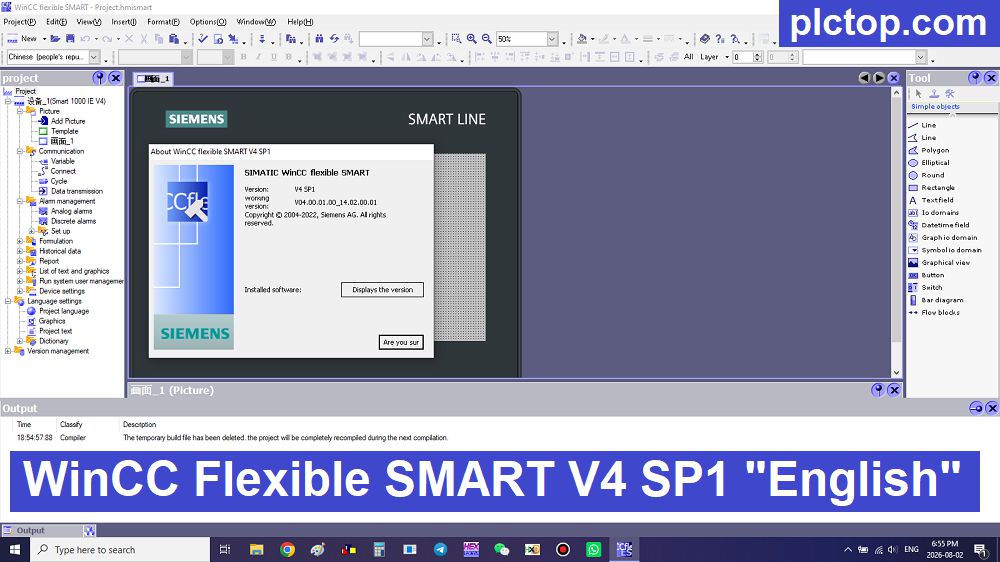
Open file “WinCC_flexible_SMART_V4_SP1_ENGLISH_README.txt” and follow the instructions and follow the instructions to set the software language to ENGLISH.
Enjoy
WinCC Flexible SMART V5 Software Full Download (GoogleDrive)
Please download the official software from the Siemens website using the following link.
https://w2.siemens.com.cn/download/smart/SmartLine/InstallationGuideChineseSimplified.pdf
Direct download link via Google Drive
>>> Download WinCC Flexible SMART V4 SP1 Software
>>> Download WinCC Flexible SMART V4 SP1 English Setup File
Password Extract: plctop.com
If the download link is broken or you have any problems during the installation of WincCC Flexible SMART V5, please comment below the article, plctop.com will reply to you as soon as I read the comments.
Thanks for views