

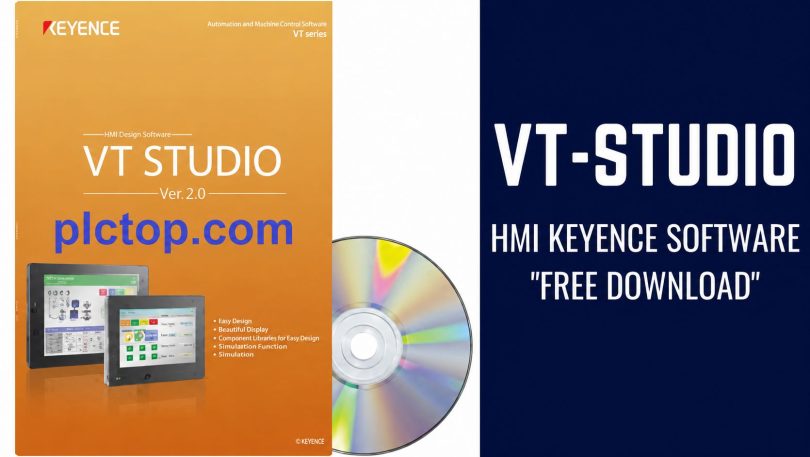

VT STUDIO is KEYENCE’s HMI design and programming software, used to develop operation screens for the VT series of HMIs.
The software supports intuitive interface design and the configuration of push-buttons, indicator lights, graphs, alarms, recipes, and data logging. VT STUDIO also supports HMI connectivity with PLCs, servo systems, inverters, and other industrial devices via various communication standards.
Supported Models
+ VT5 Series: VT5-W07, VT5-W07M, VT5-W10, VT5-X10, VT5-X12, VT5-X15, VT5-WX12, VT5-WX15.
+ VT3 Series: includes VT3 series models such as VT3-W4M, VT3-W4T, VT3-W4G, VT3-V6H, VT3-V6HG, VT3-V7, VT3-V7R, VT3-V8, VT3-V10, VT3-Q5H, VT3-Q5HG… depending on the market and hardware version.
+ VT2 Series: includes older VT2 series models such as VT2-5SB, VT2-5TB, VT2-7SB, VT2-7TB, VT2-8TB, VT2-10TB, VT2-12TB…
Installation Guide
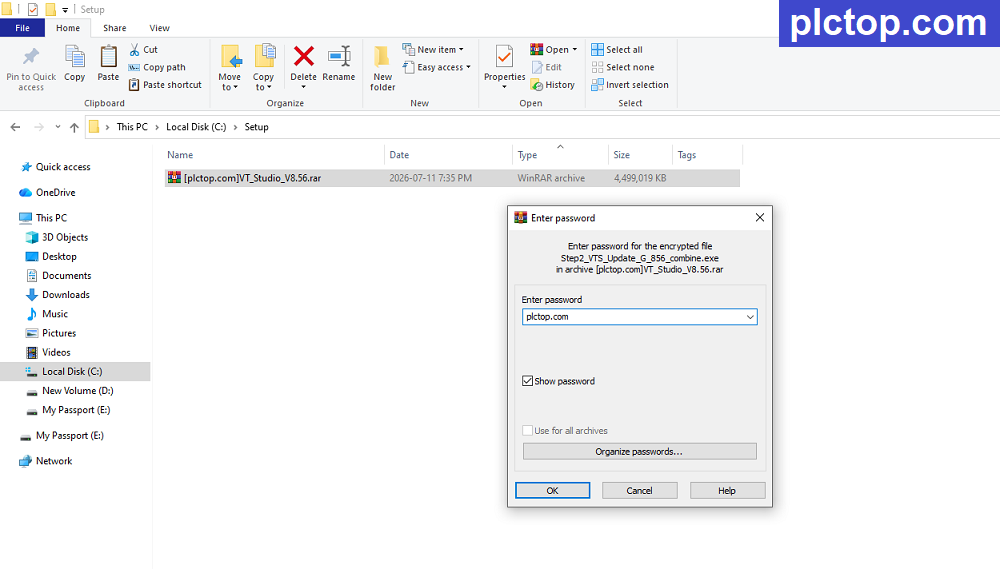
+ Step 1: Download the software and extract it using the password plctop.com
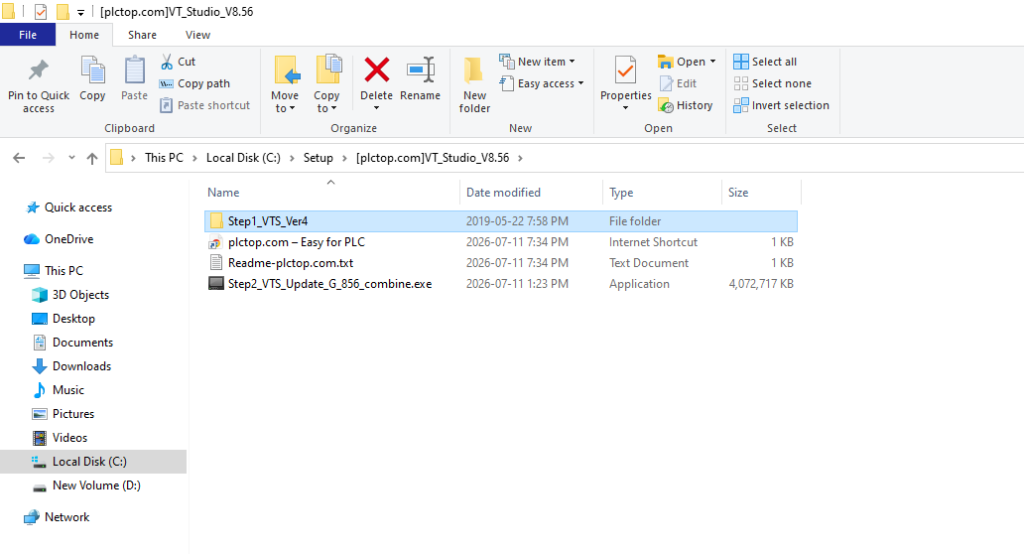
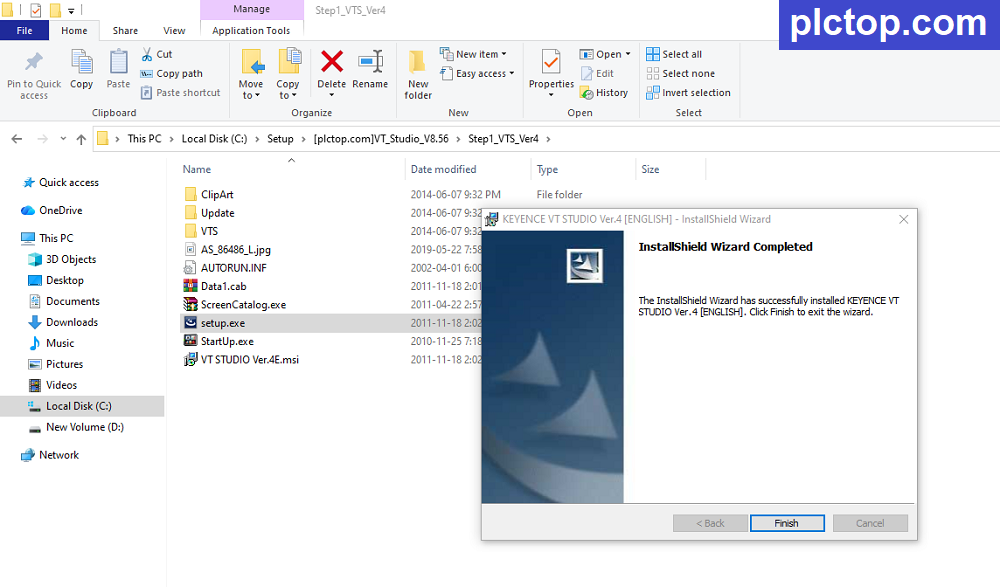
+ Step 2: Go to the “Step1_VTS_Ver4 folder” to install the VT Studio Ver.4 software first
+ Step 3: Run file “setup.exe”
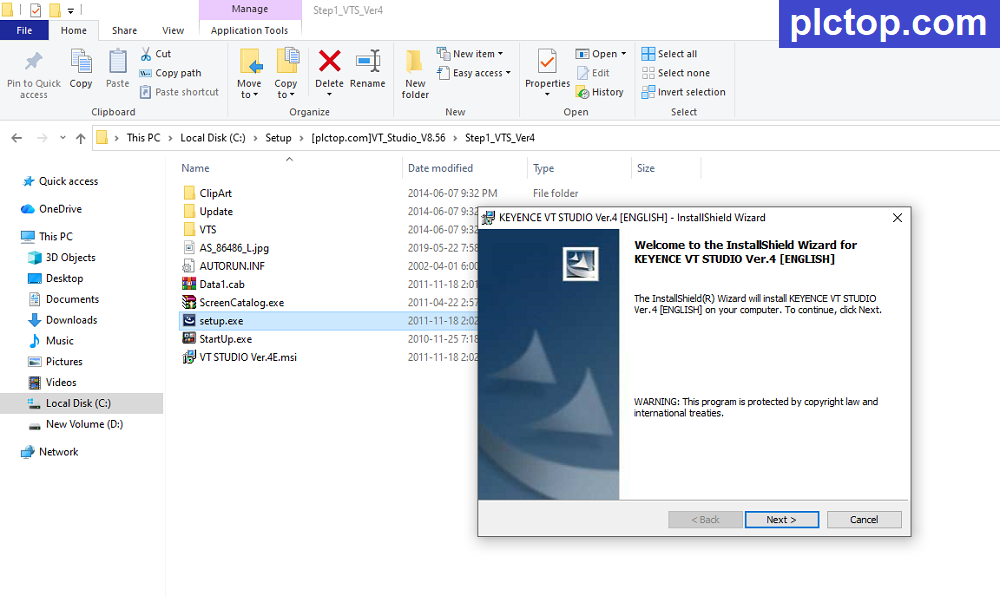
+ Step 4: Wait until the VT Studio Ver.4 installation process is complete.
+ Step 5: Install the upgraded version VT Studio V8.56
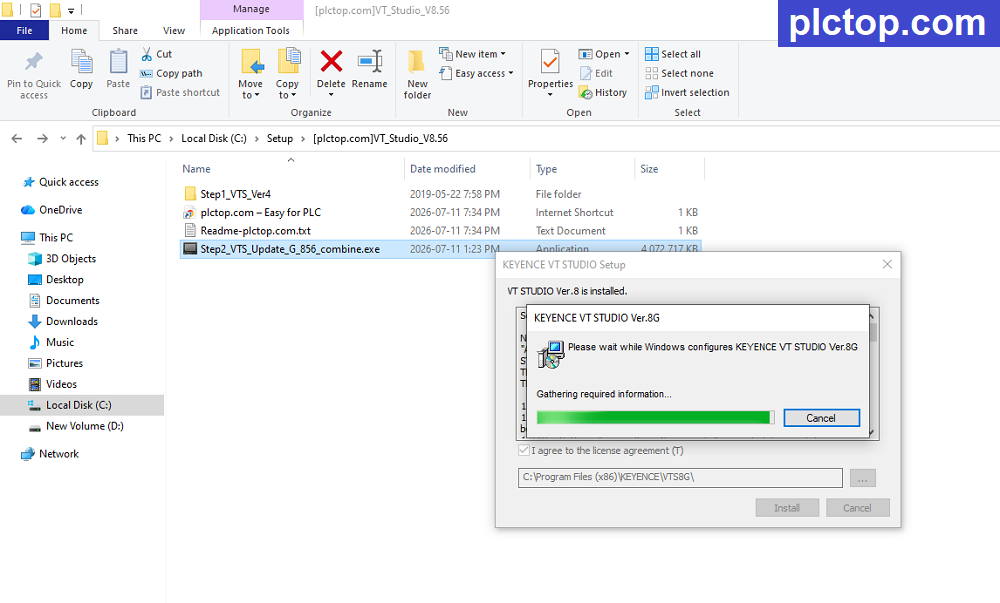
+ Step 6: Wait for the installation process to complete; this will take a few minutes, depending on your computer’s configuration.
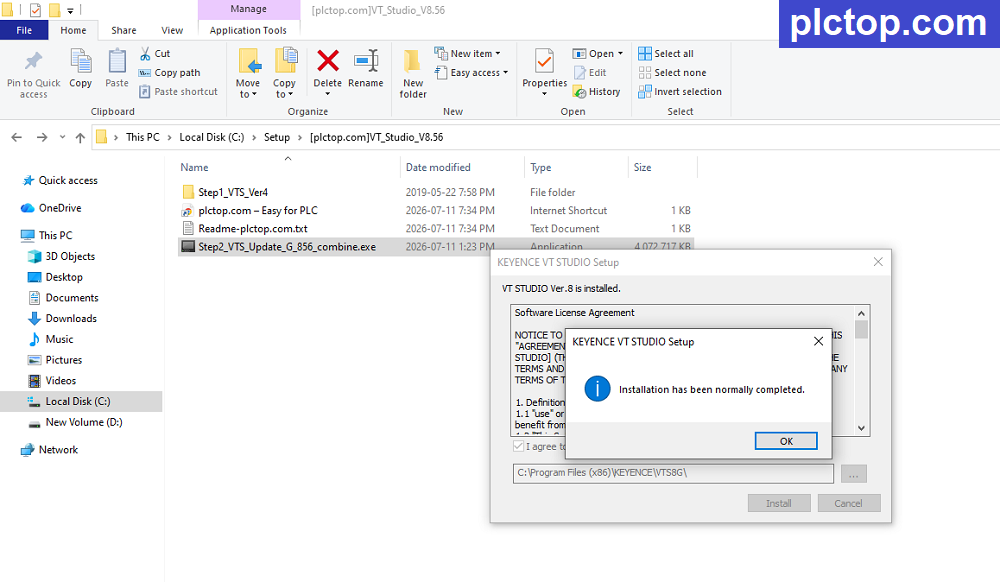
Enjoy
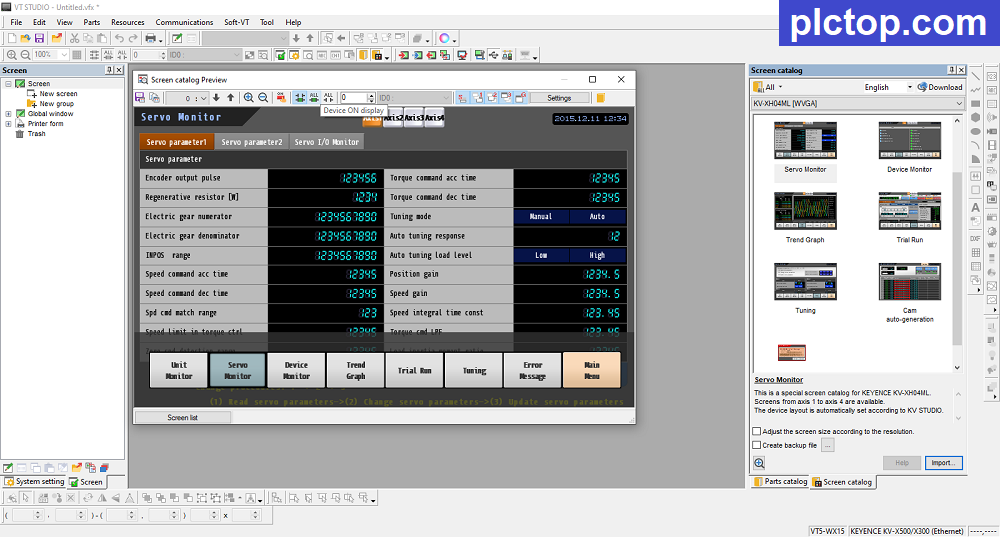
Keyence VT STUDIO V8 Software Full Download (Google Drive)
Please download the official software from the Siemens website using the following link.
https://www.keyence.com.sg/support/user/controls/hmi/software
Direct download link via Google Drive
>>> Download VT Studio V8.56 Keyence HMI Programming Software
Password Extract: plctop.com
If the download link is broken or you have any problems during the installation of VT Studio V8, please comment below the article, plctop.com will reply to you as soon as I read the comments.
Thanks for views.
