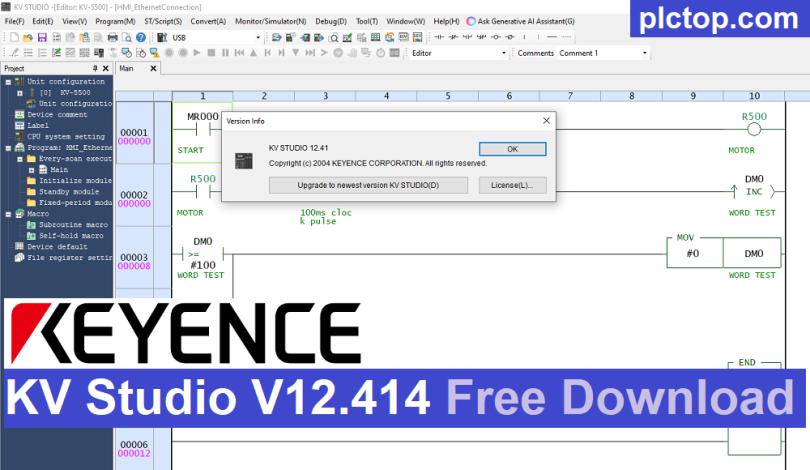

KV STUDIO V12 is KEYENCE’s PLC programming and configuration software designed for the development, simulation, monitoring, and troubleshooting of industrial automation systems.
It supports PLC programming, industrial communication, analog process control, PID regulation, motion control, servo integration, and multi-axis interpolation. With its intuitive programming environment and powerful debugging tools, KV STUDIO V12 helps engineers reduce development time and improve system efficiency.
Today, plctop.com is sharing KV STUDIO software versions V12.411 and V11.72 with you; these are the latest versions available at the time of writing this article.
Key Features
- PLC programming and system configuration
- Ladder and structured programming support
- Industrial communication configuration
- Analog process control
- PID control
- Motion control and positioning
- Servo system integration
- Multi-axis interpolation
- Program simulation and debugging
- Real-time monitoring and troubleshooting
- Easy device and parameter configuration
Setup Instruction
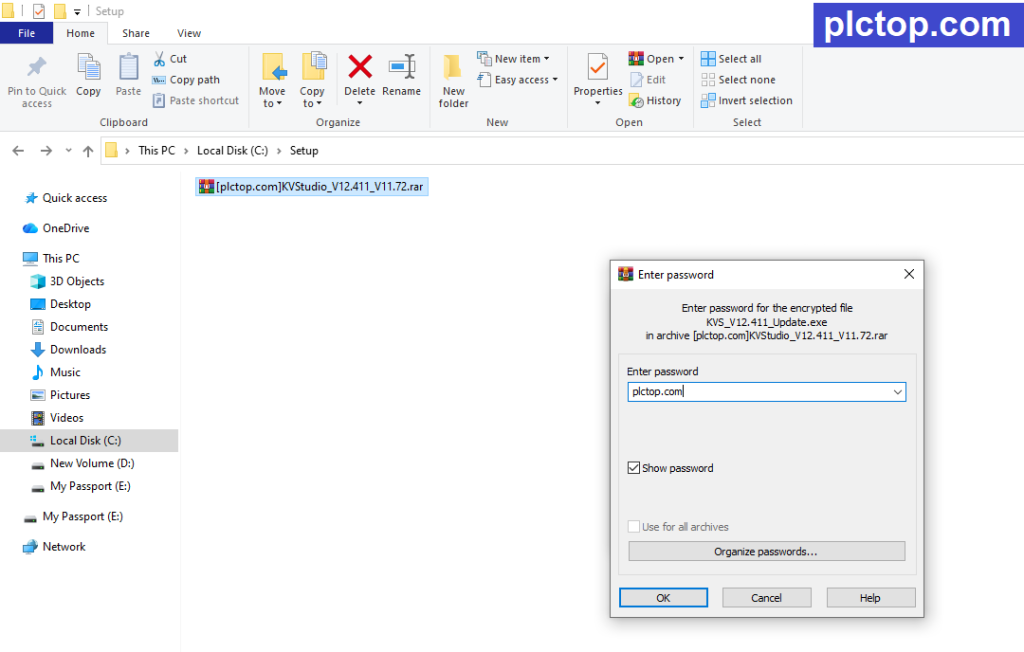
+ Step 1: Download and extract the software using the password plctop.com
+ Step 2: We need to install KV Studio Ver.6 first.
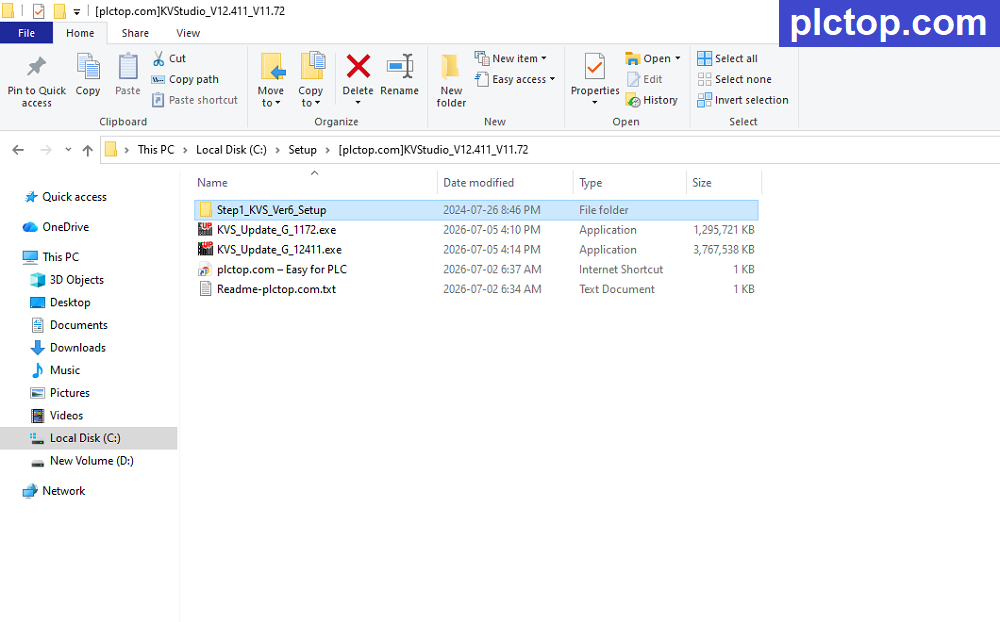
+ Step 3: After completing the installation of Version 6, you can install the V12.411 upgrade (you can also install V11.72 upgrade if you wish).
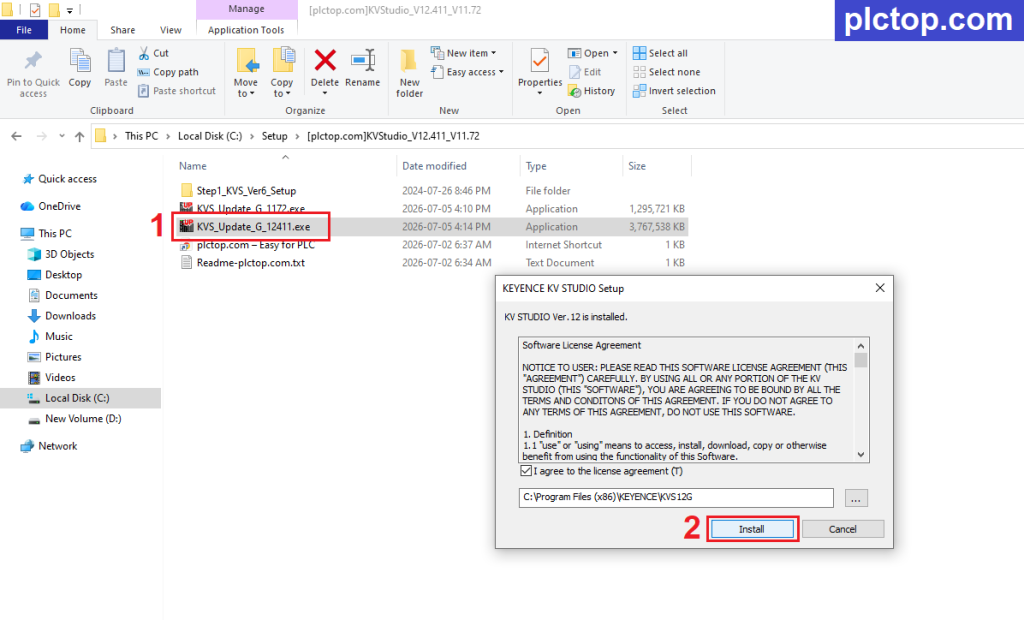
+ Step 4: Wait until the installation process is complete.
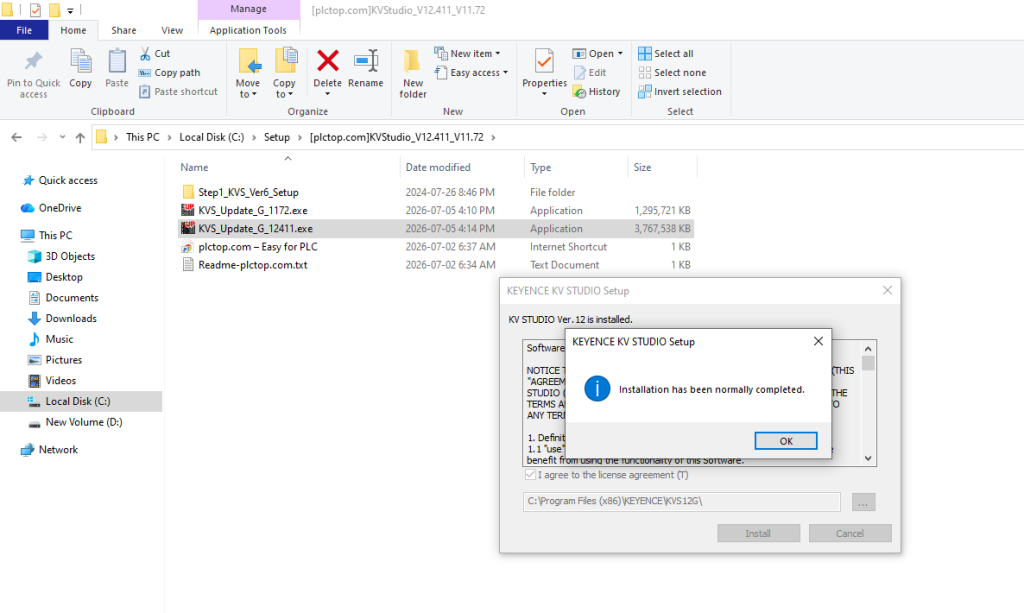
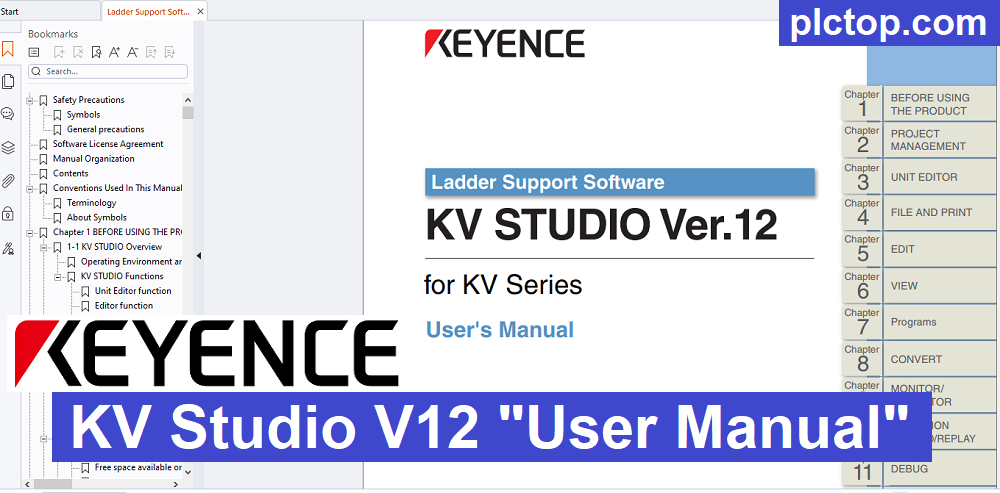
+ Step 5: Continue extracting the KV Studio “User Manual” with password plctop.com
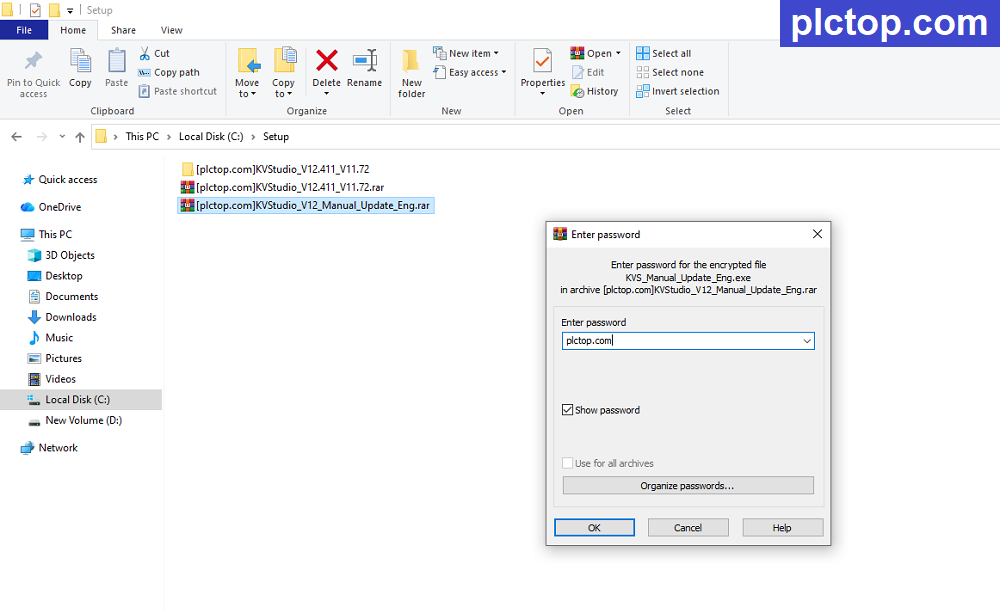
+ Step 6: Proceed to install the “Help manual”.
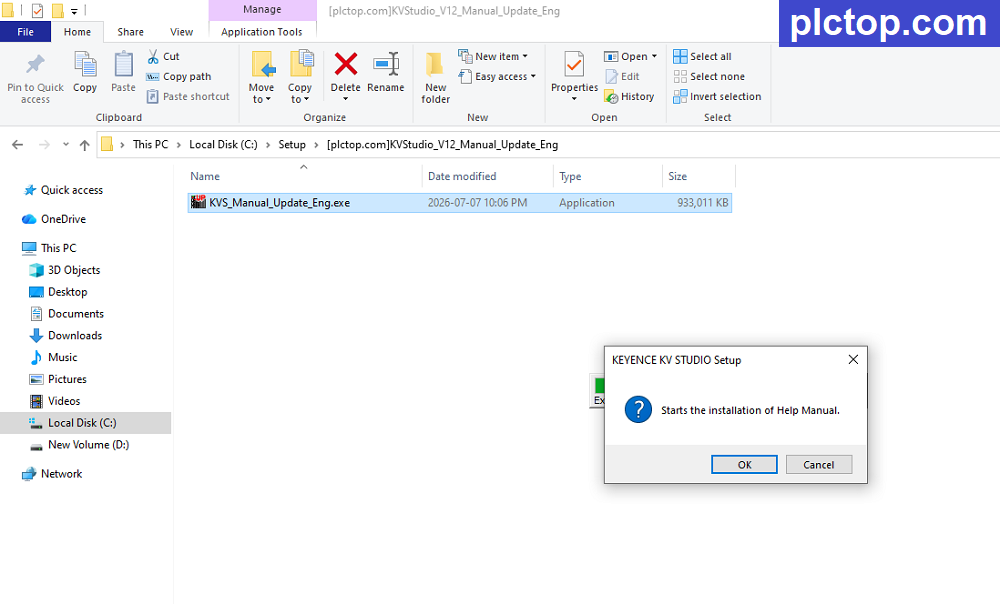
+ Step 7: Installation is complete.
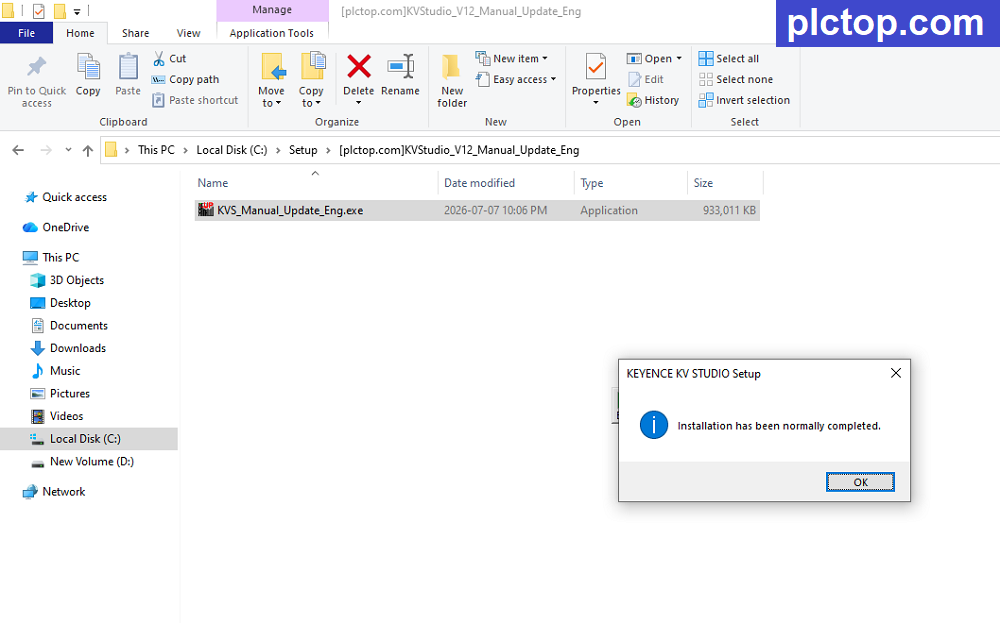
When you click “Help” in KV Studio, you have access to the software’s full user guide.
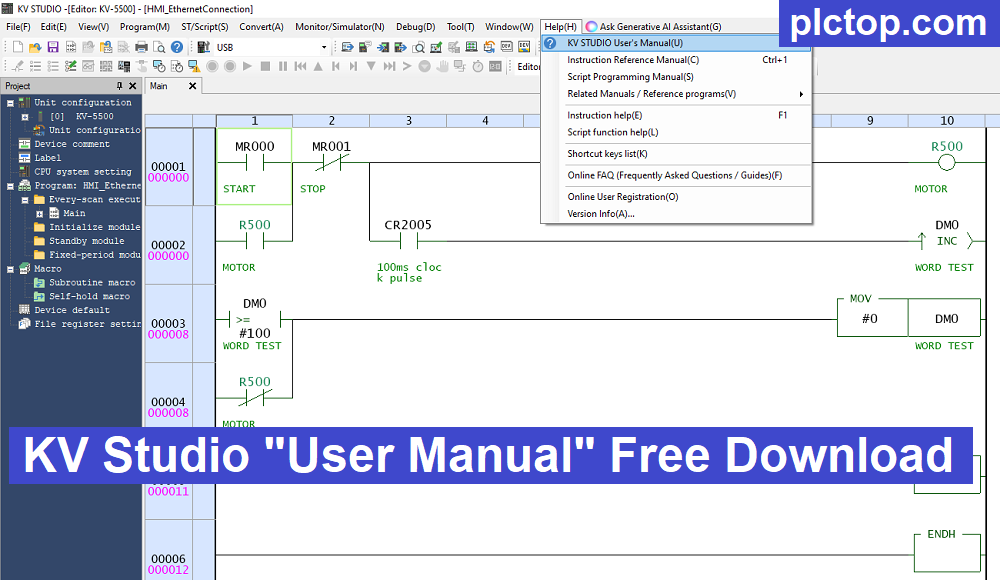
+ Step 8: Launch the software and check the versions.
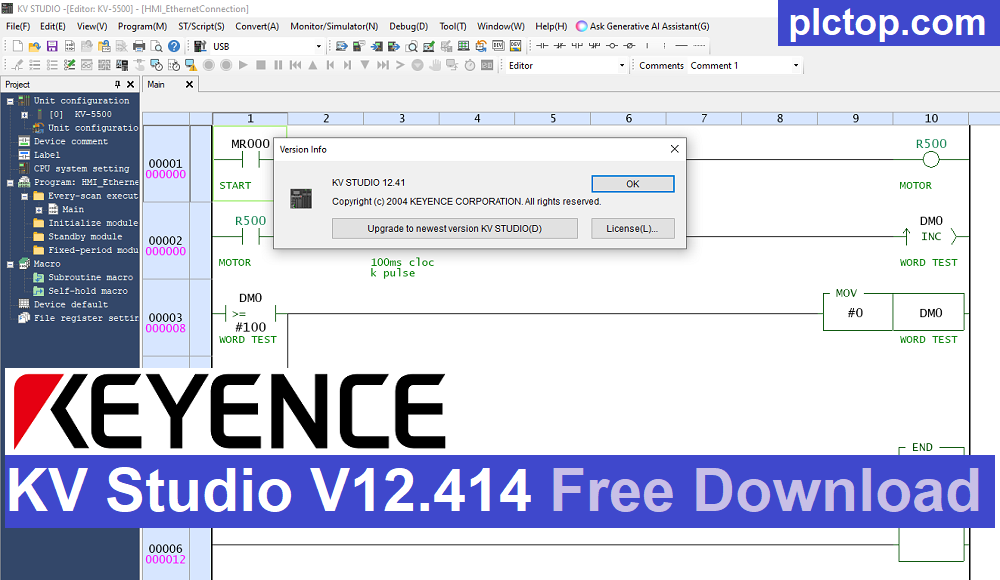
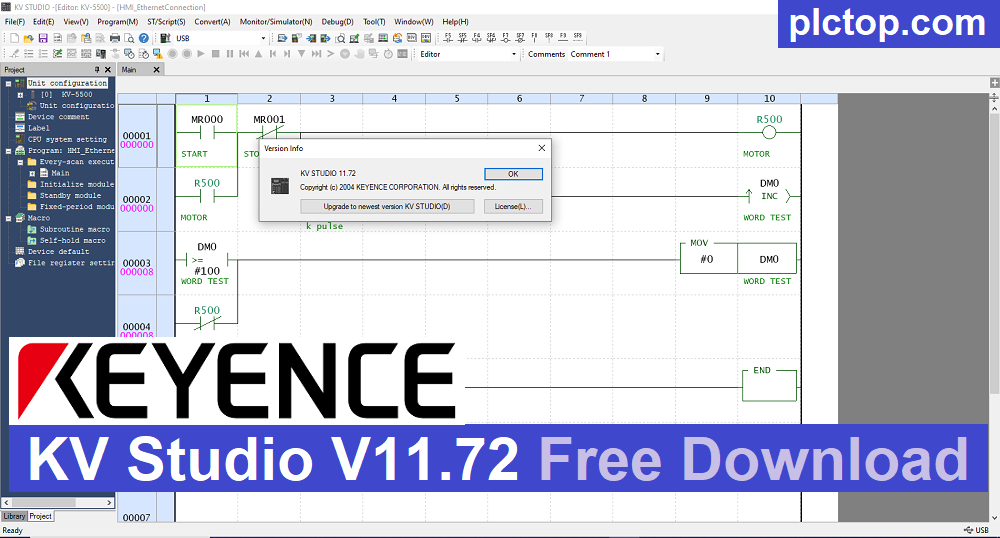
Keyence KV STUDIO V12 Software Full Download (Google Drive)
Please download the official software from the Siemens website using the following link.
https://www.keyence.com.sg/support/user/controls/plc/software
Direct download link via Google Drive
>>> Download KV STUDIO V12.411 & V11.72 Software
>>> Download KV STUDIO “User Manual” for KV Studio Help Option
Password Extract: plctop.com
If the download link is broken or you have any problems during the installation of KV Studio V12, please comment below the article, plctop.com will reply to you as soon as I read the comments.
Thanks for views.